43
Display Set
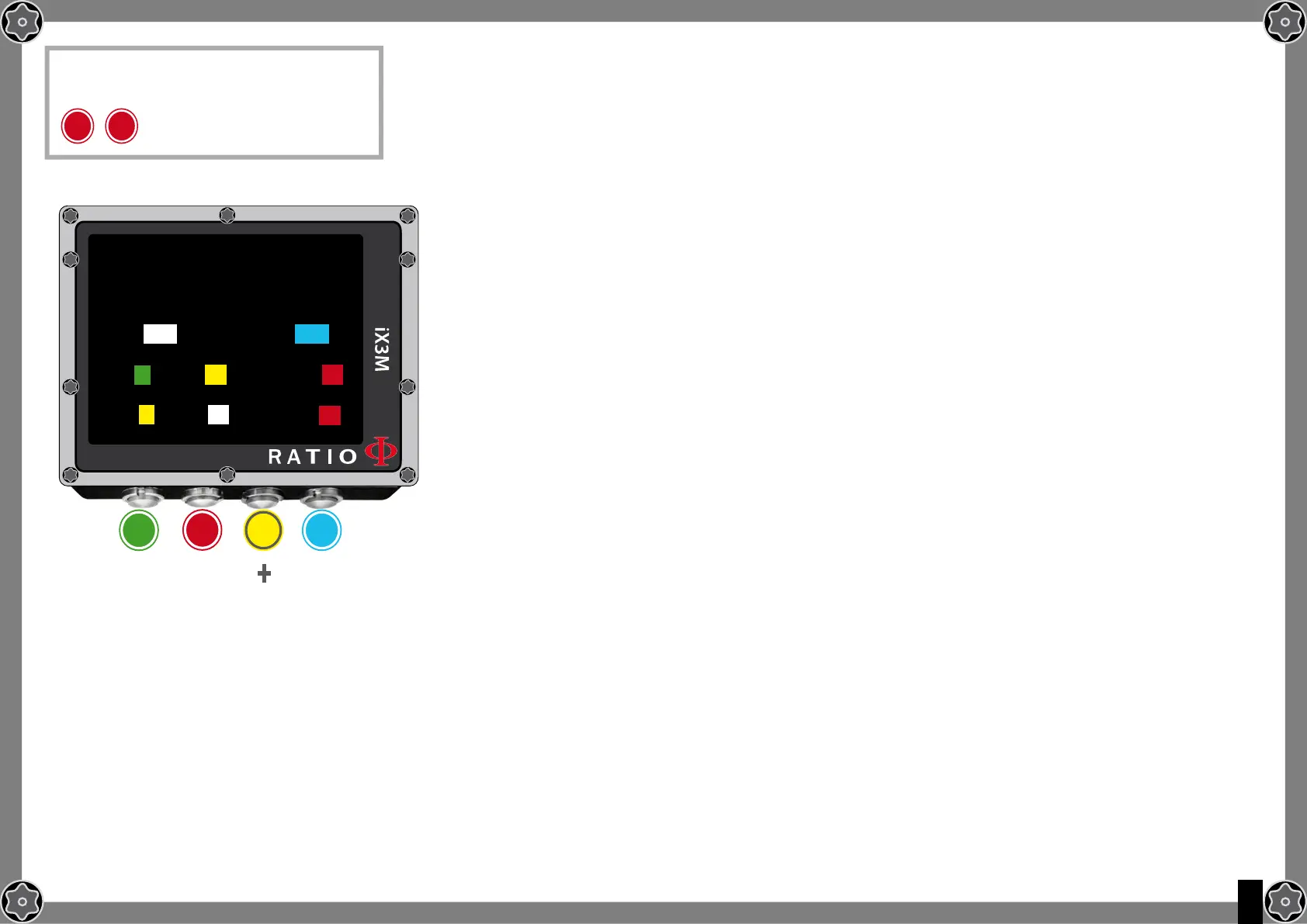
To navigate the menu follow the instructions in the picture on the left.
LEVEL: RatioiX3M luminous intensity. From 1 to 15
MODE: It activates/deactivates the automatic (AUTO) or manual (MAN)
back light mode. (if AUTO the LEVEL parametre is ignored).
ATTENTION: the light sensor is located in the screen’sleft lower corner. Do not cover it.
ATTENTION: the screen’s brightness affects considerably the device’s battery run time. We recommend to set AUTO.
COLOR CODE: The RATIO iX3M allows you to change the colour of the screen data .
DATA: Dive data colour.
LABEL: Dive parametres labels’ colour.
LOW: the colour for the low priority or low risk warnings.
MED: the colour for the medium priority or medium risk warnings.
HIGH: the colour for the hight priority or high risk warnings..
TITLE: the Menu headlines colour.
ITEM: the different menu’s parametres colour.
SEL: the colour of the selected parametre inside a menu.
Do you know what?:
If you have any doubts on your device’s setting, you can set the company’s parametres from the menu DEFAULT
b b
To reach this menu from the main
screen press in sequence:
DISPlAY SET
b
A C D
ExIT
NExT
ENTRY
+
_
bACklIghT
lEVEl: 15 MODE: AUTO
DIVE:
DATA: lAbEl:
AlARM:
lOW: MED: hIgh:
MENU:
TITlE: ITEM: SEl:



 To Next Page