59
Setting change during the dive
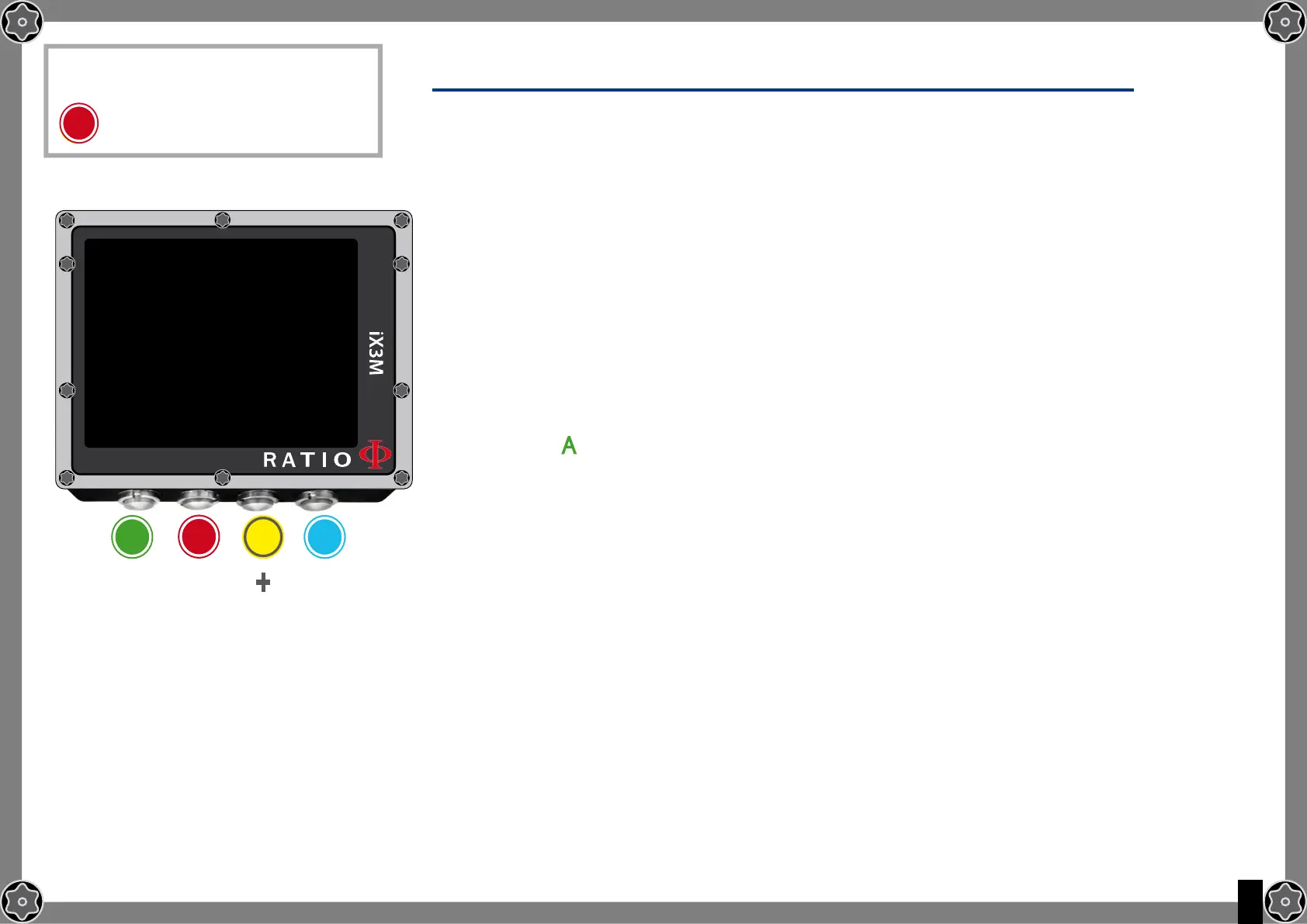
To navigate this menu follow the instructions shown in the picture on the left
MODE: OC/CCR (only for iX3M Tech+ and iX3M Reb)
MIX: Mix percentage %O2/%He and mix’ status.
ACT: Mix that we are currently breathing
YES: Active mix but that we are not currently breathing
NO: Deactivated mix
GFL/GFH (R0 se VPM): It modifies the gradients Low and High if BUL or the
Critical Bubble radius if VPM.
(if iX3M Deep PS: if modifies the conservatism level)
Press button any time to save the modifications and go back to the Dive mode .
To know how to modify the parametres MIX and GFL/GFH (R0)(PS) make reference
to the section DIVE SET of this manual.
Attention: in the following pages we will explain how to modify the MIX and
the algorithm settings during the dive.
However remember always that:
To modify the Gradients and the Critical Bubble Radius a suitable training is
necessary!
To use more than one Mix when diving a suitable training is necessary!
DO NOT modify these parametres if you have not received such training!
To reach this menu from the main
screen press in sequence:
C
b
b
A C D
FOl-
lOWINg-
SAVE AND
ExIT
+
_
OC SET
MODE: OC
MIX: 21/0 ACT
GFL/GFH: 93/93



 To Next Page