41
Logbook
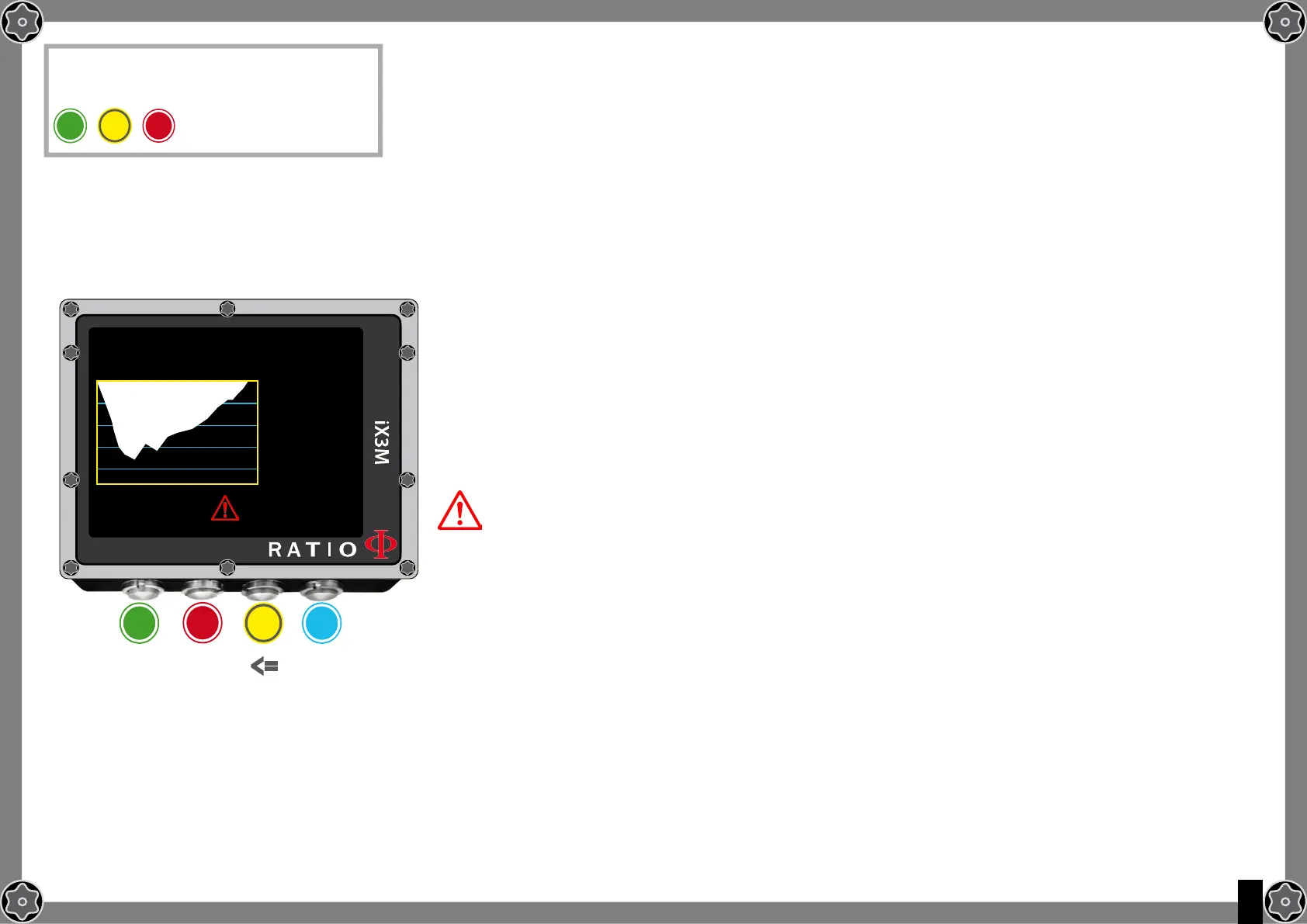
To navigate the menu follow the instructions in the picture on the left.
The first visualized dive is the most recent one.
Do you know what?: The dive diagram shown in the RATIO iX3M’s Logbook is in HD and exploits at
maximum the device screen’s definition.
N: Dive’s number, start time and date.
RT: RunTime (dive’s duration)
MAX: Maximum reached depth
CNS: Accumulated CNS %
OTU: Accumulated OTU
BUL(/VPM): Selected algorithm and conservativism factor
MIX: Main used mix (bottom mix)
MODE: Dive mode (OC= Open Circuit, CC=Rebreather)
TEMP: Minimum recorded temperature
Special Records: In some cases the iX3M will record special events
happened before the dive in the logbook.
The special records are identified by a number following this legenda:
! 1 = A tissue reset has been performed before the dive
! 2 = An user settings reset has been performed before the dive
! 3 = A tissue reset and a user setting reset has been performed before the dive
! 128 = The deco violation control has been disabled
! 129 = The deco violation control is diabled & a tissue reset has been performed before
the dive
! 130 = The deco violation control is disabled & an user setting reset has been
performed before the dive
! 131 = The deco violation control is disabled & a tissue reset and user settings reset
have been performed before the dive.
b
To reach this menu from the main
screen press in sequence
lOgbOOk
RT:
MAX:
CNS:
OTU:
BUL:
MIX:
MODE:
TEMP:
39:
41.1m
5%
15
93/93
21/0
OC
+18°C
54 12:10 11.06.15
N
b
A C D
ExIT
ExIT <=
=>
A
C



 To Next Page