26
MAIN MENU
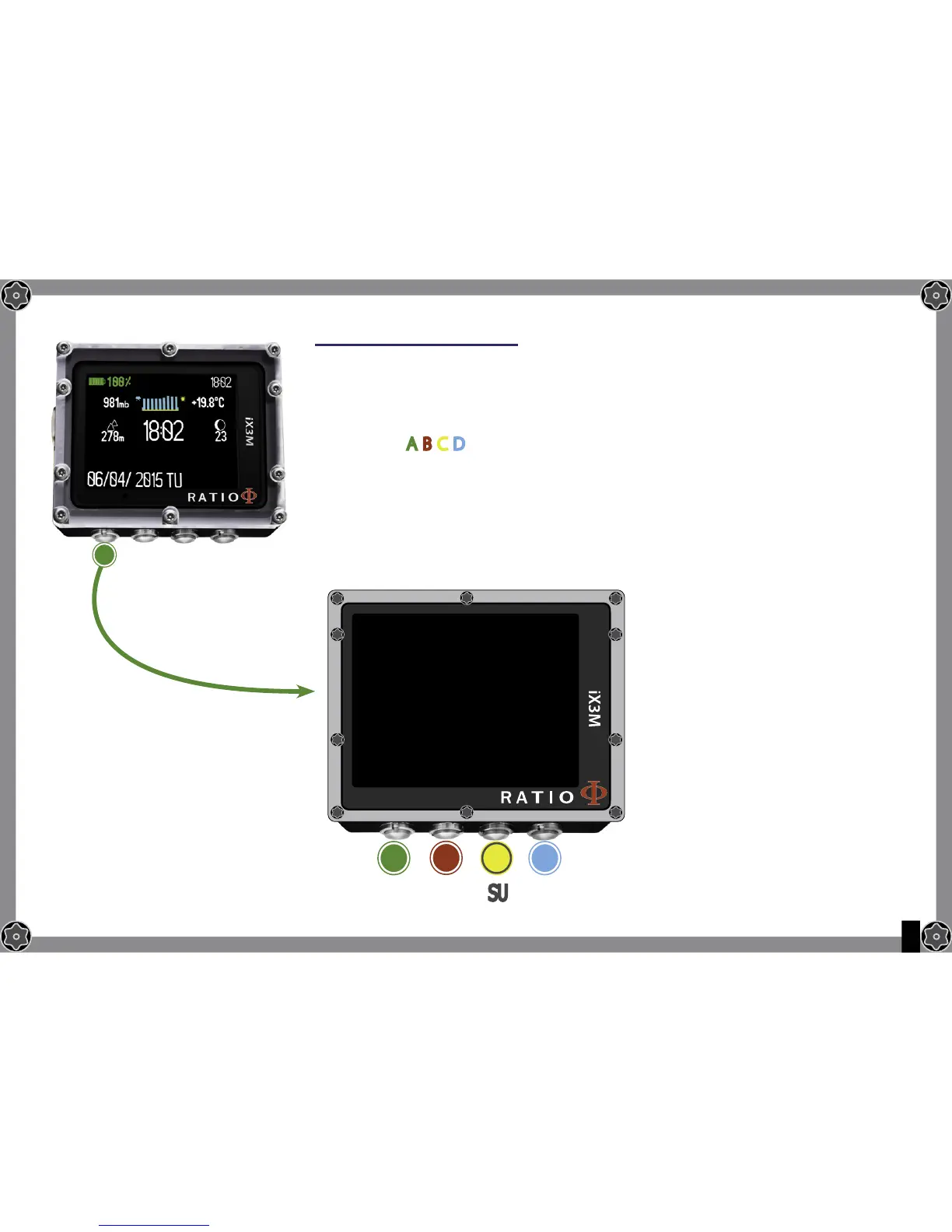
From the main screen, press button A to have access to the menu.
Use buttons A-B-C-D as described in the picture to navigate in the menu.
The selected entry is indicated in red.
(According to your RATIO iX3M model, some entries might not be visualized.)
Do you know what?:
You can change the RATIO iX3M’s menu colour, titles
and data from the menu DISPLAY.
A
MAIN MENU
DIVE SET
DECO STOP
CCR SET
MIX TABLE
DIL TABLE
ALARM
PLANNER
LOGBOOK
B
A C D
EXIT
ENTRA
SU GIU


 To Next Page