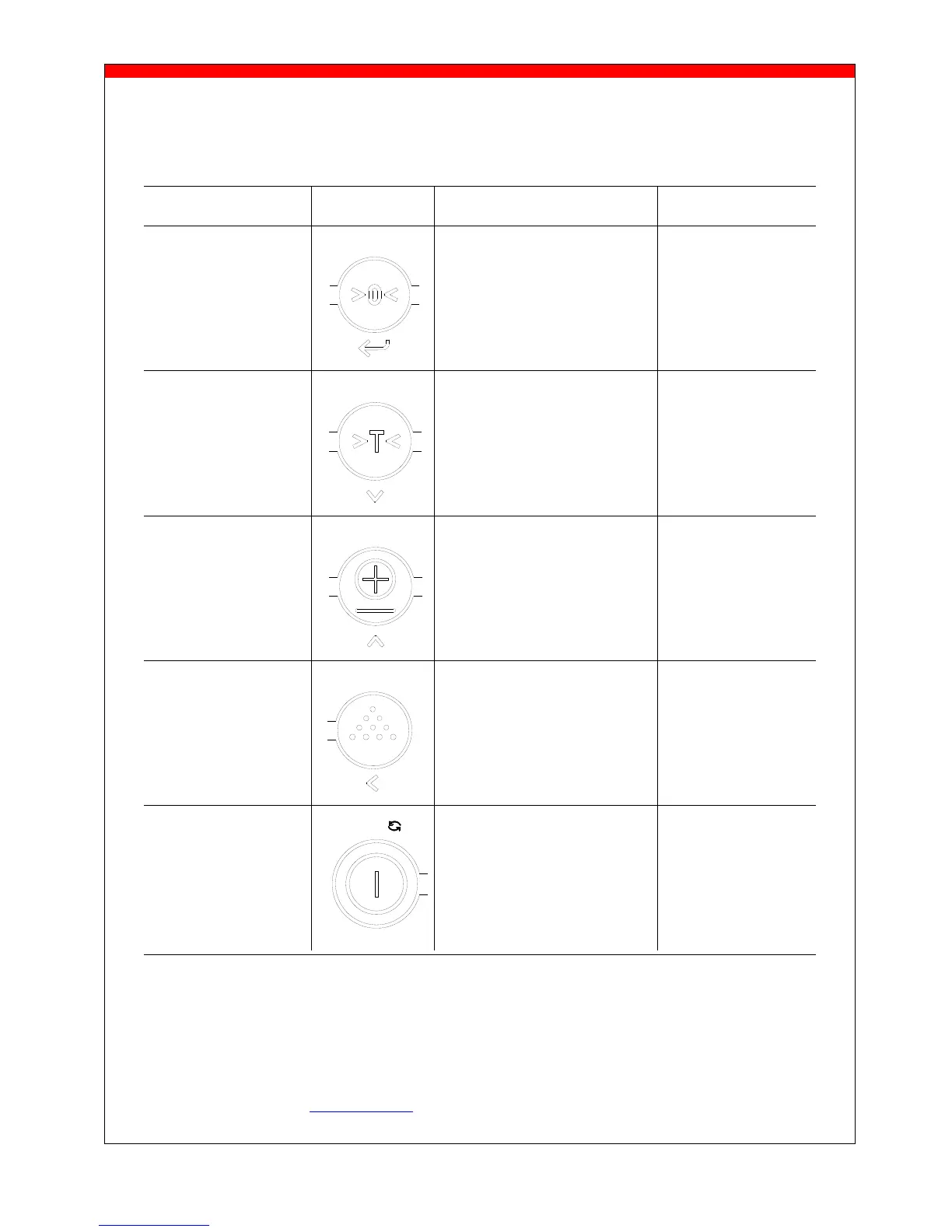
Key functions
Each key has 2 operational and one entry function.
Standard function Key Special function Value entering
(Short key press) (long key press) function (entry mode)
zero setting code entry
enter
automatic tare pre-set tare
decrease the value
of the digit flashing
print weight and add to check subtotal and print total
the total
increase the value of
the digit flashing
sampling a piece weight enter a piece weight
shift to the next digit
on the left
On switch Off switch
And change to lb and kg
clear entry
Important
Operation of a key is not accepted unless the weighing system is stable (and the “load stable” pointer
lights up). This means that the indicator only executes commands with a stable load.
For a detailed description of the functions CODE ENTRY, PIECE COUNT and RELAY check our operational
manual Indicator 4100 at www.ravas.com.



 To Next Page