EasyManua.ls Logo

Ravas iForks - User Manual

Ravas iForks
34 pages
Print Icon
To Next Page IconTo Next Page
Loading...
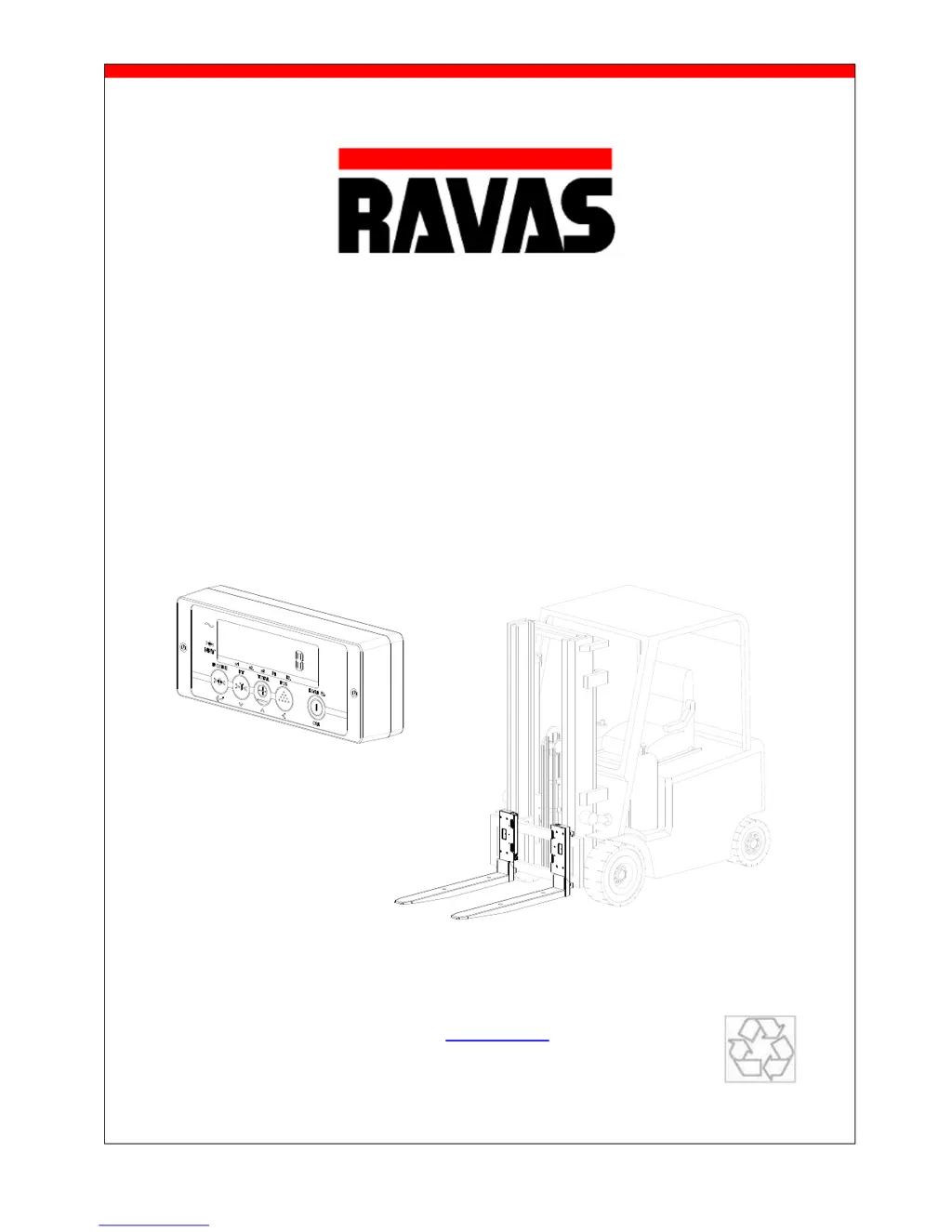
USER MANUAL iForks
1
USER MANUAL
iForks
We would like to inform you about the fact that this RAVAS product is 100 % recyclable on the basis
that the parts are processed and disposed off in the right manner.
More information can be found on our website www.ravas.com.
Rev.20150617
Printing/typographical errors and model changes reserved

Other manuals for Ravas iForks

Questions and Answers

Summary

Introduction

General Safety Guidelines

Specifies safety rules for operation, including avoiding proximity of people/objects and ensuring proper training.

Warnings and Safety Measures

System Setup: Forks Installation

System Setup: Indicator Installation

Changing Batteries: System Power Off

Changing Batteries: iForks Low Battery Indication

Changing Batteries: iForks Battery Pack Replacement

Replacing D-Cells in Battery Packs

Instructions for disassembling the battery pack to replace the D-cell batteries.

Changing Batteries: iForks Pack Handling and Charging

Inserting New D-Cells and Reassembly

Details on correctly inserting new D-cell batteries into the battery packs and reassembling them.

Changing Batteries: Indicator Battery Replacement

Using the iForks: Accurate Weighing Procedure

Using the iForks: Zeroing and Level Correction

Check Zero Reading Before Weighing

Emphasizes the importance of verifying the zero point before every weighing operation.

Using the iForks: Key Functions

Using the iForks: Error Messages and Troubleshooting

Error Messages and Troubleshooting

Lists common error codes displayed by the system and their meanings, along with solutions.

Weighing Modes: Net, Tare, Gross Weight Explanation

Net Weighing with Automatic Tare

Step-by-step guide on how to perform automatic tare for net weight measurements.

Weighing Modes: Net Weighing with Automatic Tare

Weighing Modes: Net Weighing with Manual Tare

Manual Tare (PT) Procedure

Detailed instructions on how to perform manual tare (pre-set tare) for net weight calculations.

Weighing Modes: Manual Tare Continuation

Manual Tare (PT) Process Details

Continues the manual tare process, showing how the system indicates tare activation and displays negative tare values.

Weighing Modes: Manual Tare Completion

Manual Tare (PT) Completion

Concludes the manual tare process by showing how the gross weight is displayed again after operations.

Summary

Introduction

General Safety Guidelines

Specifies safety rules for operation, including avoiding proximity of people/objects and ensuring proper training.

Warnings and Safety Measures

System Setup: Forks Installation

System Setup: Indicator Installation

Changing Batteries: System Power Off

Changing Batteries: iForks Low Battery Indication

Changing Batteries: iForks Battery Pack Replacement

Replacing D-Cells in Battery Packs

Instructions for disassembling the battery pack to replace the D-cell batteries.

Changing Batteries: iForks Pack Handling and Charging

Inserting New D-Cells and Reassembly

Details on correctly inserting new D-cell batteries into the battery packs and reassembling them.

Changing Batteries: Indicator Battery Replacement

Using the iForks: Accurate Weighing Procedure

Using the iForks: Zeroing and Level Correction

Check Zero Reading Before Weighing

Emphasizes the importance of verifying the zero point before every weighing operation.

Using the iForks: Key Functions

Using the iForks: Error Messages and Troubleshooting

Error Messages and Troubleshooting

Lists common error codes displayed by the system and their meanings, along with solutions.

Weighing Modes: Net, Tare, Gross Weight Explanation

Net Weighing with Automatic Tare

Step-by-step guide on how to perform automatic tare for net weight measurements.

Weighing Modes: Net Weighing with Automatic Tare

Weighing Modes: Net Weighing with Manual Tare

Manual Tare (PT) Procedure

Detailed instructions on how to perform manual tare (pre-set tare) for net weight calculations.

Weighing Modes: Manual Tare Continuation

Manual Tare (PT) Process Details

Continues the manual tare process, showing how the system indicates tare activation and displays negative tare values.

Weighing Modes: Manual Tare Completion

Manual Tare (PT) Completion

Concludes the manual tare process by showing how the gross weight is displayed again after operations.

Ravas iForks Specifications

General IconGeneral
BrandRavas
ModeliForks
CategoryLifting Systems
LanguageEnglish