EasyManua.ls Logo

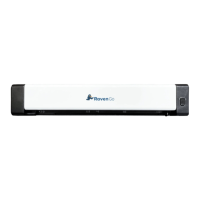
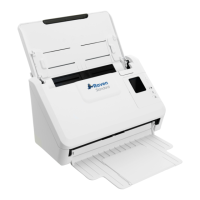
Raven GO Duplex - Scanner Front View; Part Identification and Functions

Raven GO Duplex
37 pages
Print Icon
To Next Page IconTo Next Page
To Previous Page IconTo Previous Page
Loading...
Front View
Item
Part Name
Function
1
Feeder Slot Left Edge
Insert original into the feed slot, printed side UP and
aligned with the left edge to begin scanning.
2
Feed Slot
Feed your original to the slot.
3
Sliding Paper Guide
Slide the guide up to the right edge of the original before
inserting original into the feed slot to ensure proper
alignment when scanning.
4
Cancel Button
Press to cancel a scanning job during operation.
5
Status Light Indicator
A solid blue light indicates ready status.
A flashing blue light indicates scanning status.
A flashing red light indicates error status.
9 support@raven.com | 1-800-713-9009 | raven.com/support

Related product manuals