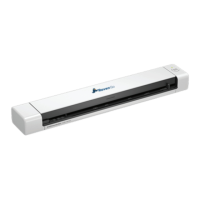
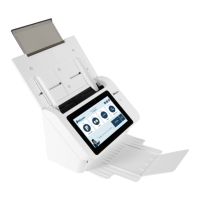
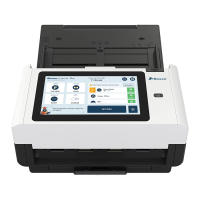
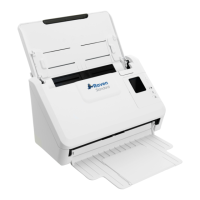
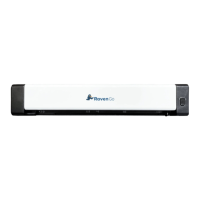
Side View
Connect to a computer via a micro USB cable.
Setting Up Your Scanner
Precautions
● Keep the scanner out of direct sunlight. Direct exposure to the sun or excessive heat may
cause damage to the unit.
● Do not install the scanner in a humid or dusty place.
● Be sure to use the proper AC power source.
● Place the scanner securely on an even, flat surface. Tilted or uneven surfaces may cause
mechanical or paper-feeding problems.
● Retain the scanner box and packing materials for shipping purposes.
10 support@raven.com | 1-800-713-9009 | raven.com/support


 To Next Page