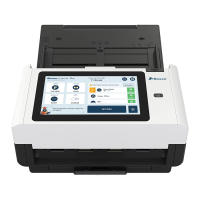
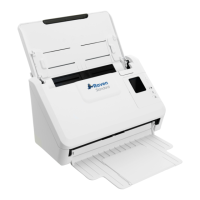
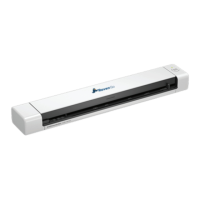
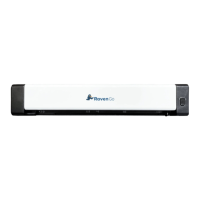
Power on and get connected via ethernet cable or your preferred wireless
network.
3.1 Connect to available wireless network 3.2 Or connect to other hidden network.
Sign in to your Raven account. Sign up if you don’t already have an account.
4.1 Sign in to your Raven account or sign 4.2 Welcome screen shows scan
up for free. options and displays quotes for fun.
Scan preview shows pages scanned. You can change upload destination
options.
5.1 On scan preview screen, you can 5.2 You can edit individual pages by
combine/separate files, rearrange pages, clicking on preview thumbnails.
or change file destination.
15


 To Next Page