EasyManua.ls Logo

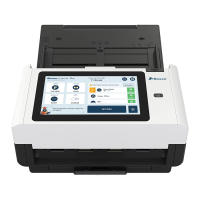
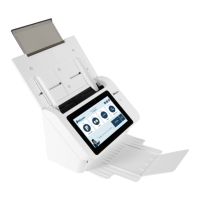
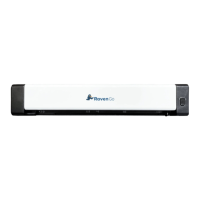
Raven Scanner Pro - Hardware Overview; Front View Components

Raven Scanner Pro
31 pages
Print Icon
To Next Page IconTo Next Page
To Previous Page IconTo Previous Page
Loading...
Front View
Part Name
Function
Extension
Can be pulled out and adjusted to the size of the document
being scanned.
ADP Paper Tray
Load the document onto this part when scanning document.
Paper Guides
Adjusts to the width of the documents to prevent skewing of the
scanned pages.
LCD Touch Panel
Operate the scanner through the touch screen.
Power Button
Press to turn on the power.
Output Tray
Open to collect the document after scanned.
Extension
Pull it out. Documents are ejected from the ADF to the tray.
Paper Stopper
Adjust to the length of the documents to prevent them from
falling apart.
9

Other manuals for Raven Scanner Pro

Related product manuals