Getting Started
Introduction
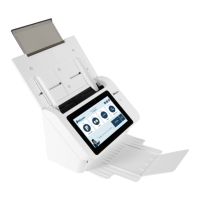
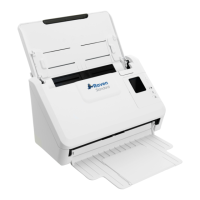
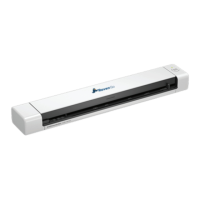
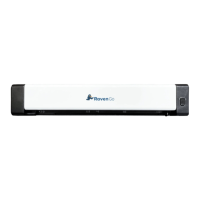
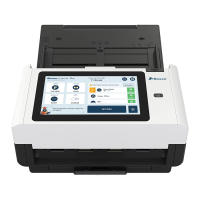
Thank you for purchasing the Raven Scanner Pro. With the internet-connected Raven
Scanner, you can instantly scan single-sided or double-sided document(s) and deliver
the electronic images to various destinations including e-mail addresses, fax, and cloud
services such as Raven Cloud, Dropbox, Google Drive or Evernote. In addition, the
product also allows you to save the scanned image to an inserted USB flash drive.
Package Items
Raven Scanner Pro Automatic Document Feeder Paper Tray
Power Adapter Power Cord
Note:
1. Only use the AC adapter included in the machine. Using other AC adapters may
damage the machine and void the warranty.
2. Please unpack the packing carefully, and check the contents against the
checklist. If any items are missing or damaged, please contact us immediately by
emailing support@raven.com or calling +1-800-713-9009.
8


 To Next Page