Maintenance
Your scanner is designed to be maintenance-free. However, constant care and
maintenance can keep your scanner working smoothly.
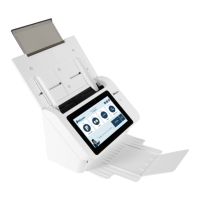
Cleaning The Touchscreen
Wipe the Touch screen Monitor with a wet cloth first then wipe it with a dry cloth.
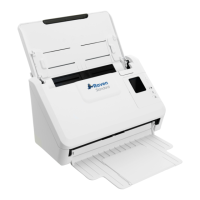
Cleaning the ADF
After using the scanner for a long period of time, the rollers and glass inside the scanner
may become contaminated with ink, toner particles or paper dust. It is necessary to
perform routine cleaning to ensure the optimum image quality and performance. As a
guideline, please clean the rollers and glass after first 4,000 to 5,000 scans and then
perform the cleaning on a weekly basis. Note that the guideline varies according to the
type of documents you are scanning.
Tip! If documents do not feed easily, if several documents feed at the same time or if
streaks appear on the scanned images, it is time to clean your scanner.
22


 To Next Page