19
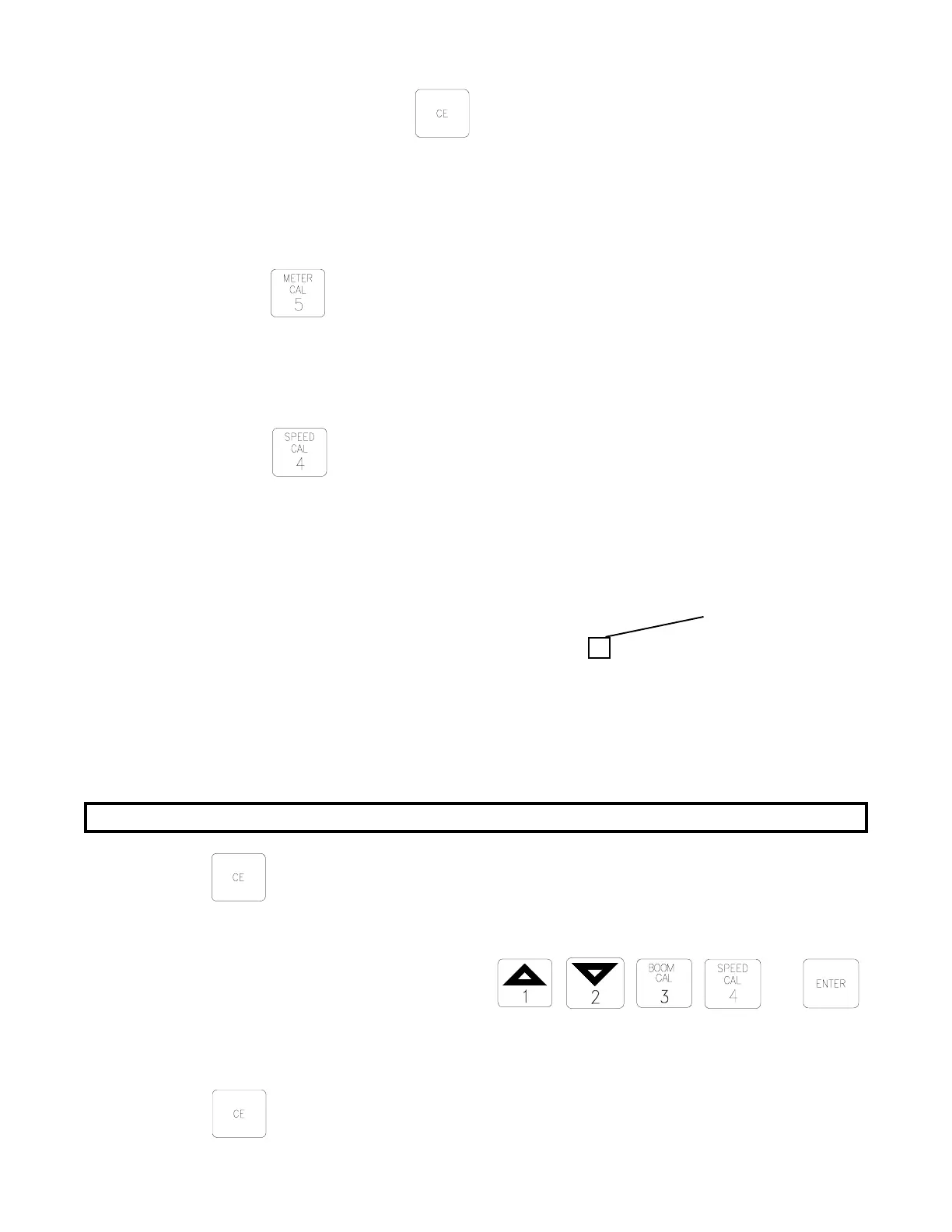
a) Momentarily depressing toggles the display between "d on" and
"doff". "d on" means display smoothing is enabled, "doff" means
display smoothing is disabled.
9. VALVE CAL
1) To display current VALVE CAL setting
a) Depress
for 5 seconds. VALVE CAL number will show in DATA
display.
10. CONTROL VALVE DELAY
1) To display Control Valve Delay
a) Depress
for 5 seconds. "dLAY" will be displayed.
b) The Control Valve Delay number is a 4 digit number. The first digit in the
Control Valve Delay number represents the time (in seconds) between when
the booms are turned ON and when the Console actually begins to control
the flow rate. A value of 1-9 means a delay of 1-9 seconds respectively,
a value of 0 means no delay. The remaining 3 digits are always zero. The
Control Valve Delay feature only operates when the booms are toggled OFF
or ON in intervals of 30 seconds or less.
11. SEQUENCE TO ACTIVATE DATA-LOCK
The DATA-LOCK feature prohibits the entry of data without first entering an
activated code number. The code number may be up to 4 digits long. The code number
may be cleared by changing the activated code from its existing number to "0",
or by resetting the Console (SEE INITIAL CONSOLE PROGRAMMING).
NOTE: If the DATA-LOCK feature is not desired, skip Step 10.
1) Depress
for 5 seconds, a new code indicator message of "nEu.l " will appear.
2) Enter a desired number code within 15 seconds.
EXAMPLE: For code number 1234: Depress
and .
12. SEQUENCE TO CHANGE DATA-LOCK
1) Depress for 5 seconds, an old code indicator message of "oLd " will appear.
X 0 0 0
Control Valve
Delay Digit


 To Next Page