CHAPTER
2
Manual No. 016-0171-219 Rev E 5
CHAPTER 2
INTRODUCTION
SYSTEM OVERVIEW
Congratulations on the purchase of the Raven Switch Pro system!
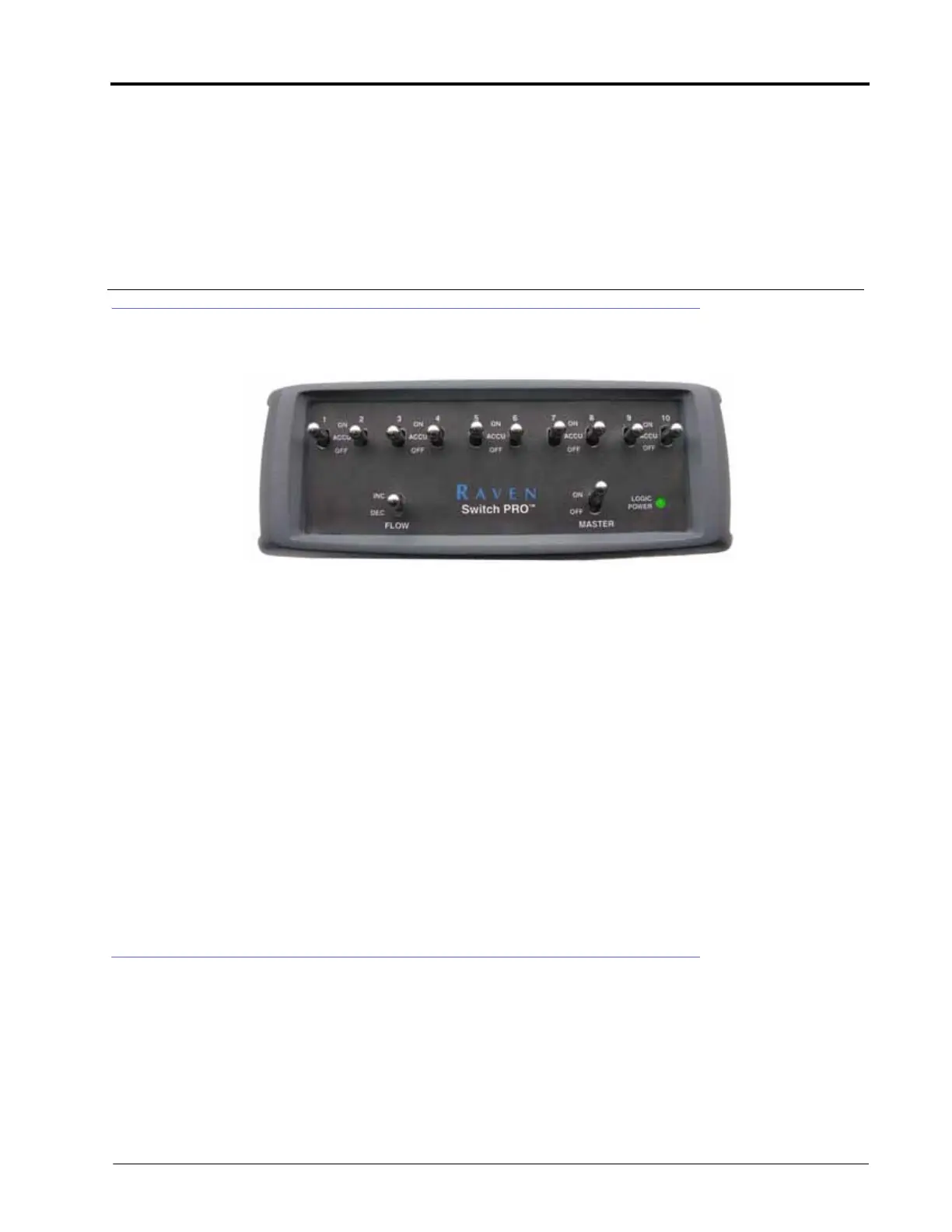
The Raven Switch Pro system is designed to replace existing Raven SCS (Spray Control System) consoles and
update a product control system with the latest CANbus and guidance technology from Raven Industries.
Installation of the Switch Pro system consists of removing the existing SCS 440, 450, or 4400 console while keeping
the existing product control hardware and console cables. These cables will be connected to the Switch Pro switch
box which then allows the Raven Envizio Pro or Viper Pro field computer to replace the SCS console as the product
controller.
NOTE: Before removing the existing SCS console, be sure to write down any calibration values programmed
into the console. These values are stored on the SCS console and must be programmed into the new
console with the Switch Pro system. See the Preparation section on page 1 for details.
To ensure proper operation of the Switch Pro system, make sure that the field computer has the latest
version of software. Switch Pro requires Viper Pro version 2.52 or higher or Envizio Pro version 1.00C
or higher.
Refer to the field computer Installation & Operation Manual for more information on software
updates.
SWITCH PRO FEATURES
The Switch Pro switch box compliments the Envizio Pro or Viper Pro CAN Control system with the following
features:
• Built-in AccuBoom capability adds AccuBoom, automatic boom section control, features to the Envizio Pro,
Envizio Pro II or Viper Pro field computer.
• 3-Way Section Switches put manual and AccuBoom section control right at the operator’s finger tips for up to
10 sections. Each section switch offers ON, ACCU, and OFF selections.



 To Next Page