11
4. SETTING THE CLOCK
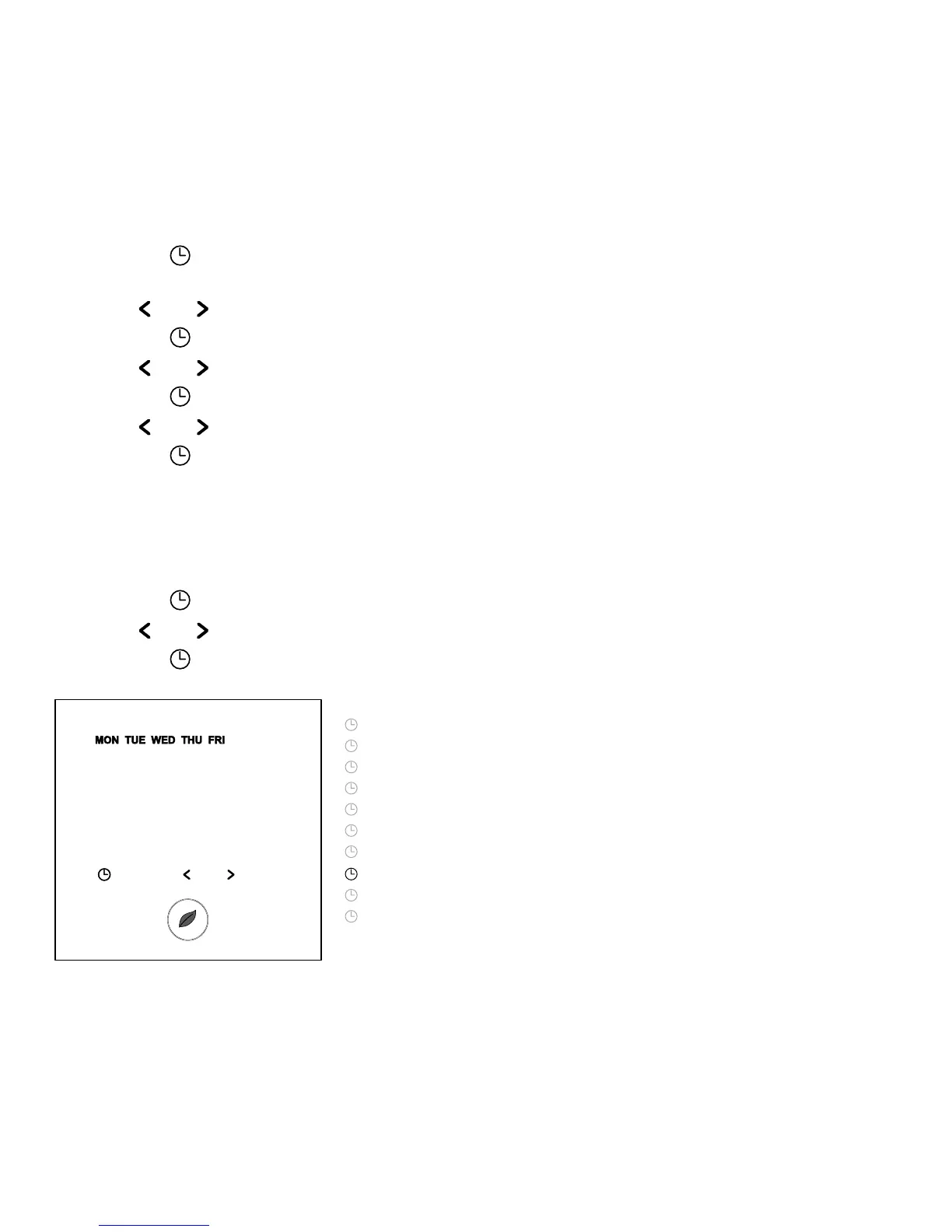
• Touch the “ ” button to set the clock
and day of the week
• Touch “
” or “ ” to change the hours
• Touch the “
” button to validate
• Touch “
” or “ ” to change the minutes
• Touch the “
” button to validate
• Touch “
” or “ ” to change the day of the week
• Touch the “
” button to validate
Remark: In case of battery drainage after long period of power failure, you might have to
re-programme the clock
5. PROGRAMMING THE TIMER PROGRAMME
• Touch the “ ” button for 3 seconds to program the Timer Programme
• Touch “
” or “ ” to choose the day (or the sequence of days) you want to program
• Touch the “
” button to validate
Day Sequences are:
MON
TUE
WED
THU
FRI
SAT
SUN
MON TUE WED THU FRI
SAT SUN
MON TUE WED THU FRI SAT SUN



 To Next Page