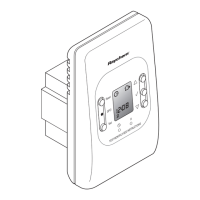
8
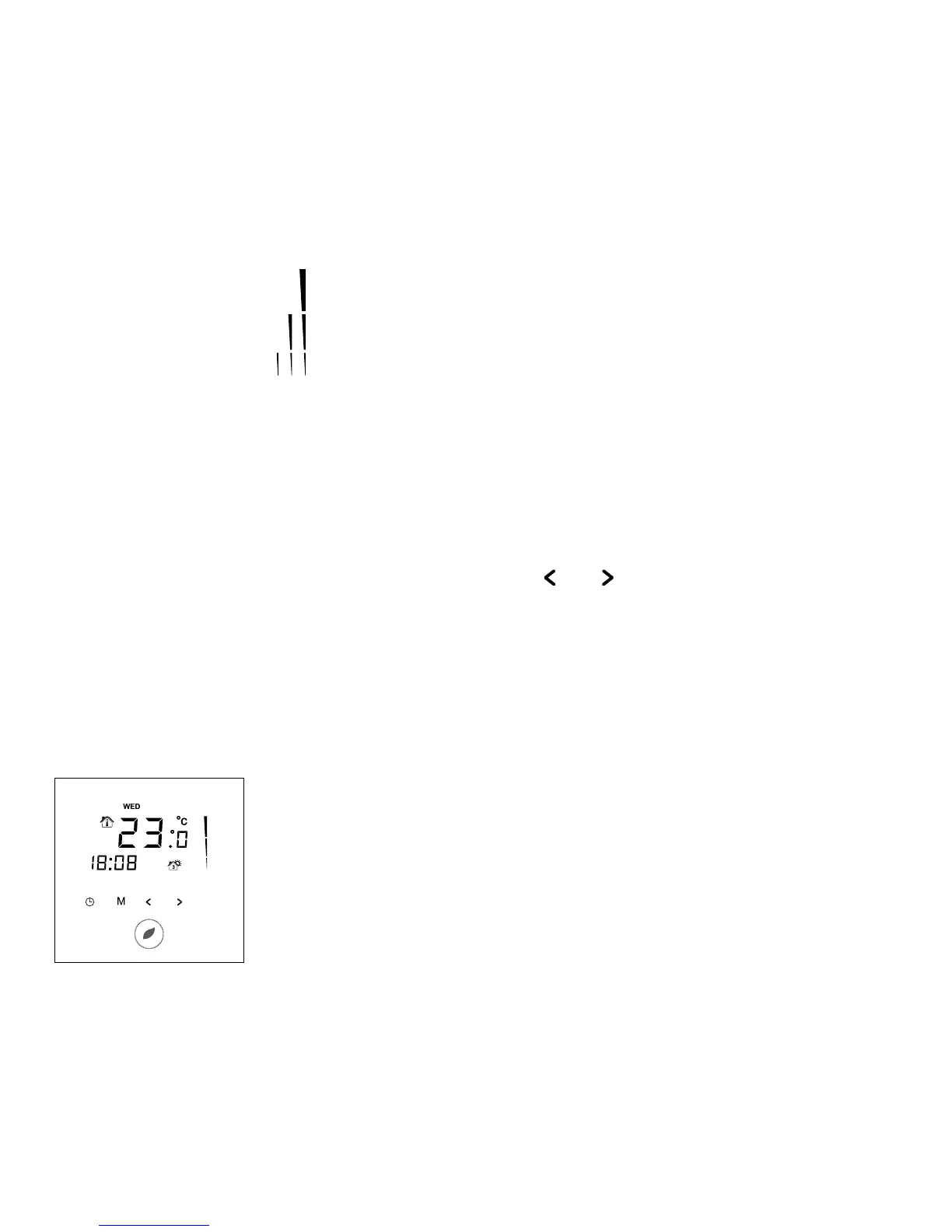
Heating display
The heating display is flashing when the heating is on.
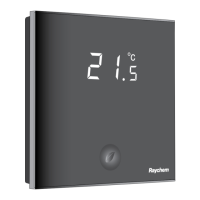
Temperature
The temperature on the display depends on the selected sensing mode.
• Floor sensing mode => Actual floor temperature on the display
• Room sensing mode => Actual room temperature on the display
• Room sensing with floor temperature limiter mode => Actual room
temperature on the display
Remark: When pushing on the “
” or “ ” button, the set point
temperature appears on the display blinking for 5 seconds
Installer Menu
• Touch the M button for 5 seconds to enter the Installer Menu
Display in timer programme
The following icons are visible in the Timer Programme:
Time and day
The actual day is displayed on the screen with the 3 letters
(MON-TUE-WED-THU-FRI-SAT-SUN).
The time can be set in 24H or 12AM/PM mode (see INSTALLER MENU).


 To Next Page