9
4 Event display
The 4 events are displayed with the symbols:
Event 1
Event 2
Event 3
Event 4
The manual on/off programme
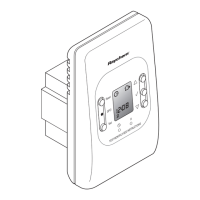
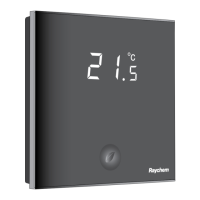
When switching on the thermostat for the first time (touching the Green Leaf button for 2 seconds),
it will start in MANUAL ON/OFF programme using the floor sensing mode as a standard (see
INSTALLER MENU to change the sensing mode).
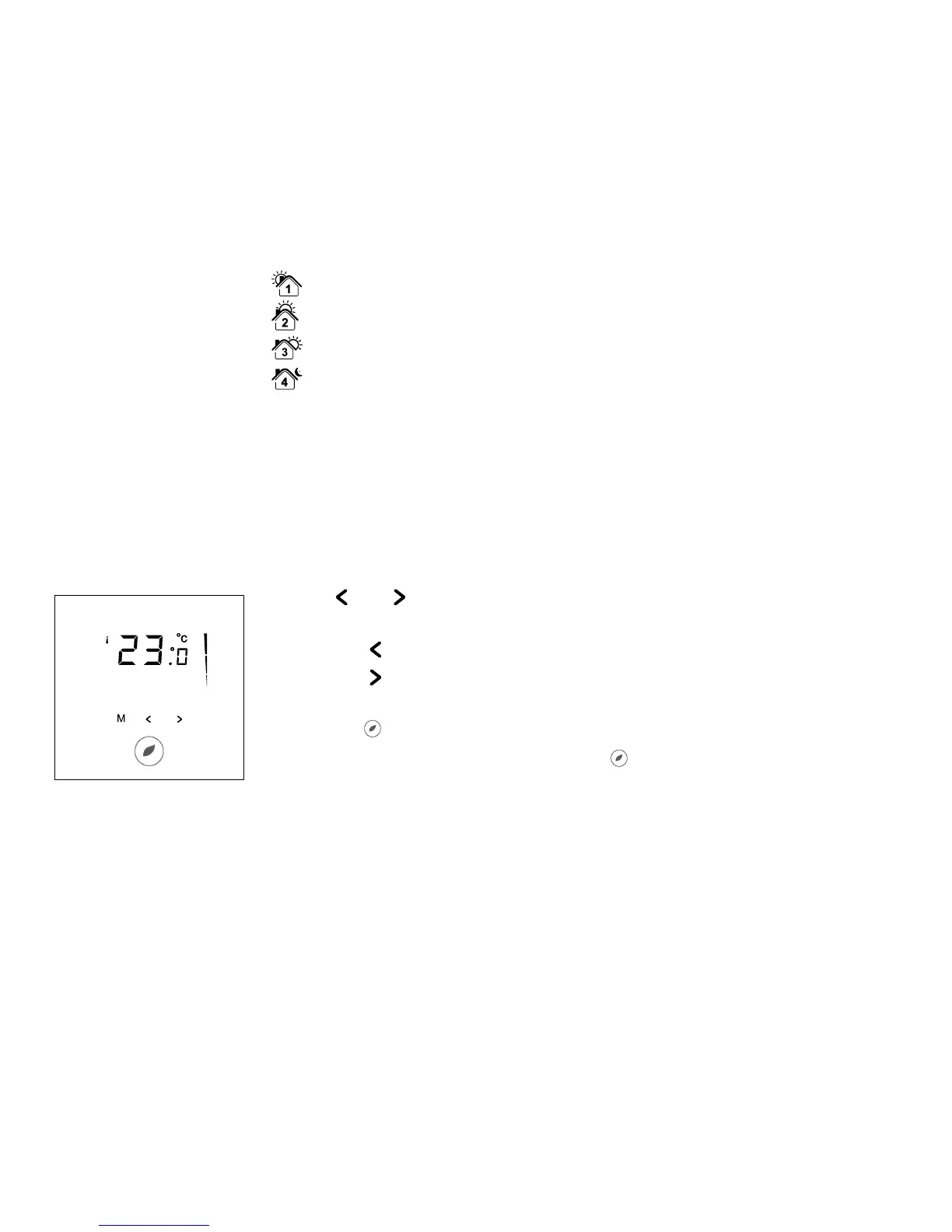
You will see the following screen:
Touch “ ” or “ ” to show the set point temperature.
It will blink for 5 seconds.
1. Touch “
” to decrease the temperature.
2. Touch “
” to decrease the temperature.
To switch from Manual ON/OFF to Timer Programme,
touch the “ ” button once.
To switch off the thermostat, touch the “
” button for 2 seconds.


 To Next Page