https://rayconglobal.com
06
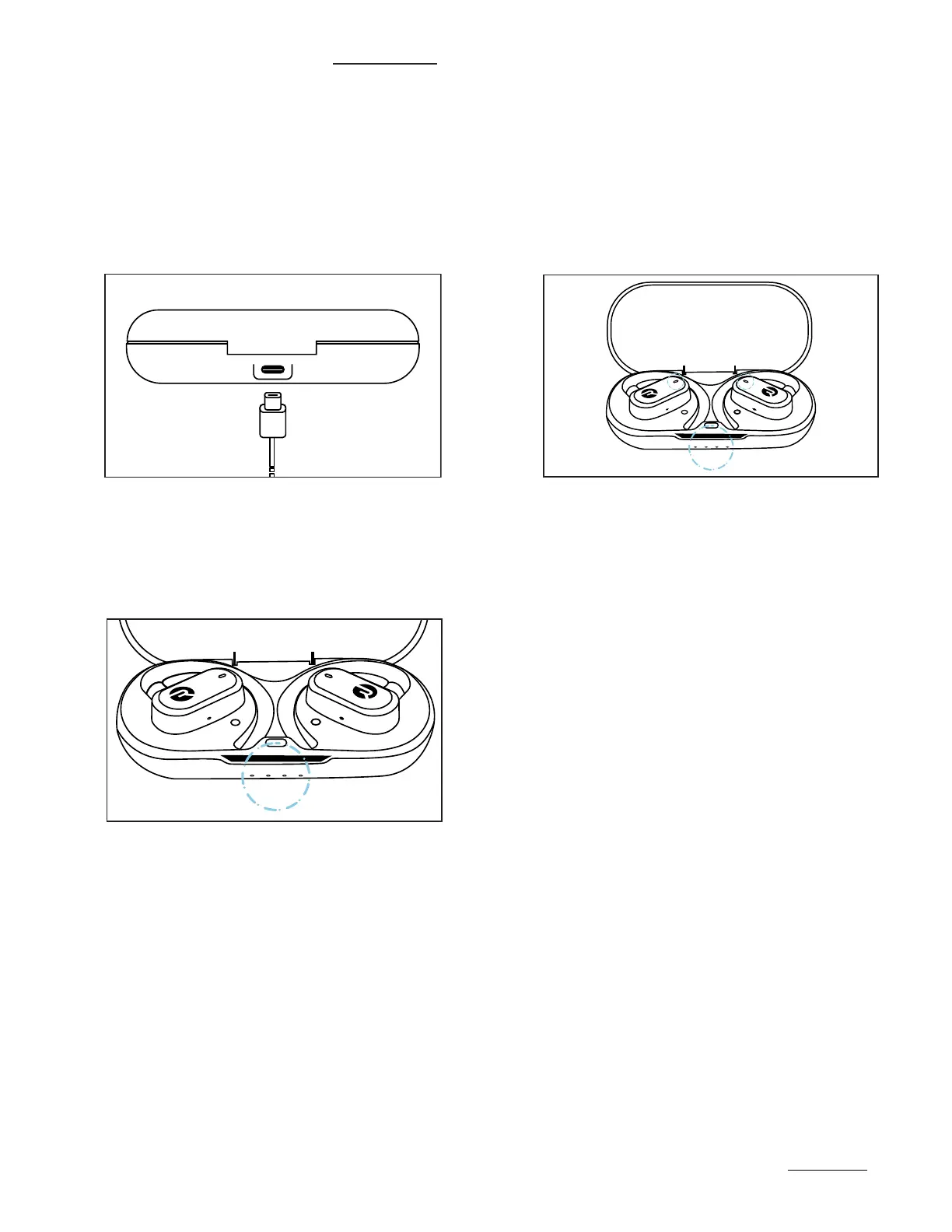
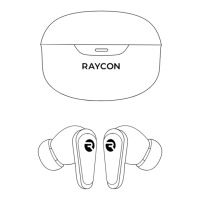
CHARGING YOUR DEVICE
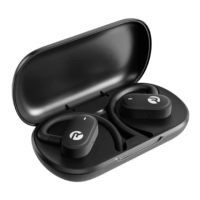
Plug the USB-C connector in
the capsule port.
When charging, the Capsule LED will start
to flash white. The white LED color on the
earbuds will start to flash too. Once fully
charged, the LED will hold a solid white
light.
1.
2.
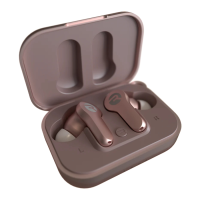
When placing or removing the
earbuds in the capsule, the LED
will blink white once.
3.



 To Next Page