PART I. User & Installation Manual
1417WCE 49
3.1.3 Product Set Up
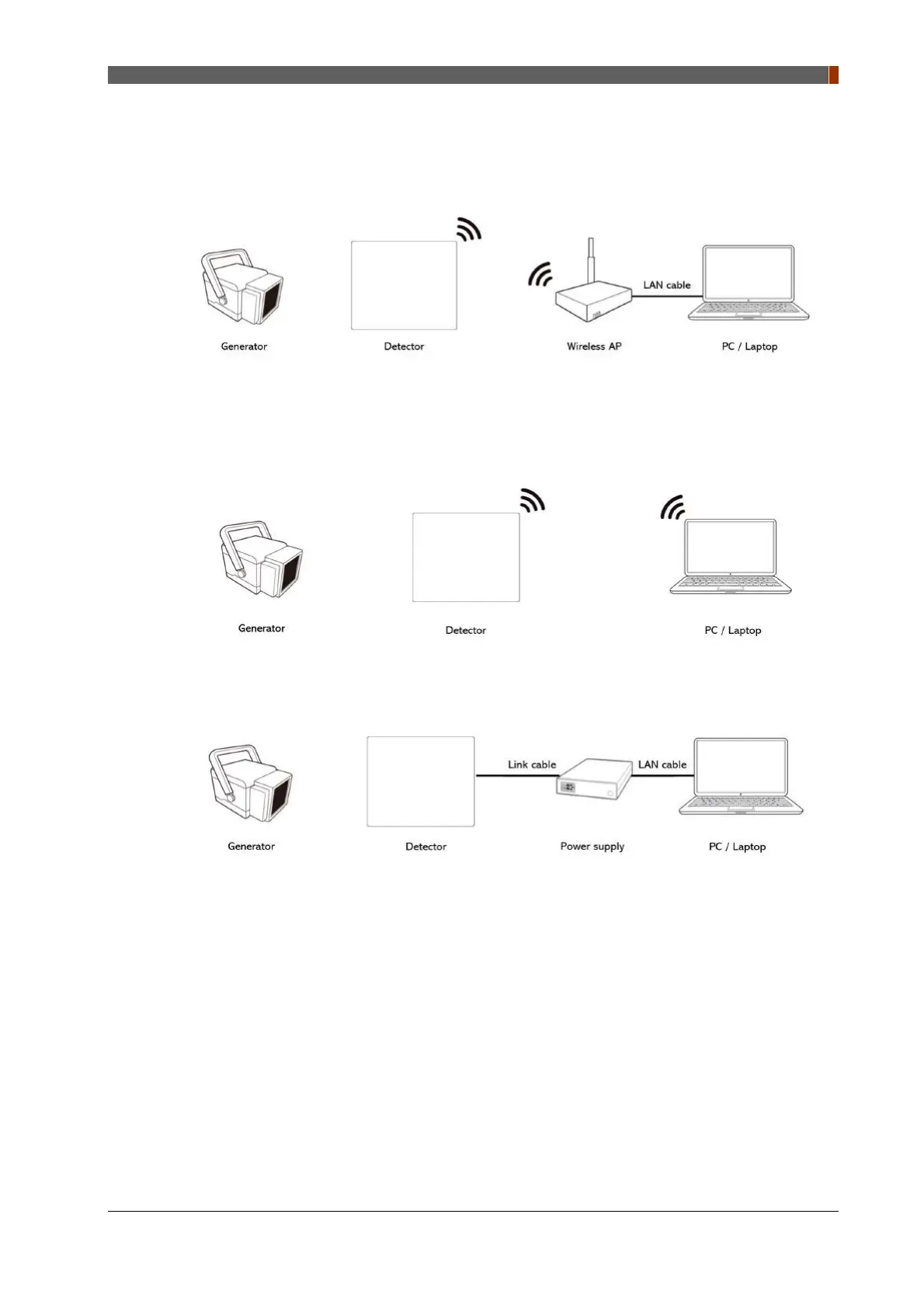
1. Auto Trigger & Station Mode
1. Connect the wireless AP and PC/Laptop with the LAN cable.
2. Auto Trigger & AP Mode
3. Auto Trigger & Wired Mode
1. Connect the power supply and PC/Laptop with the LAN cable.
2. Connect the power supply and detector with the link cable.



 To Next Page