PART I. User & Installation Manual
54 1417WCE
3.1.4 PC Set Up
1.
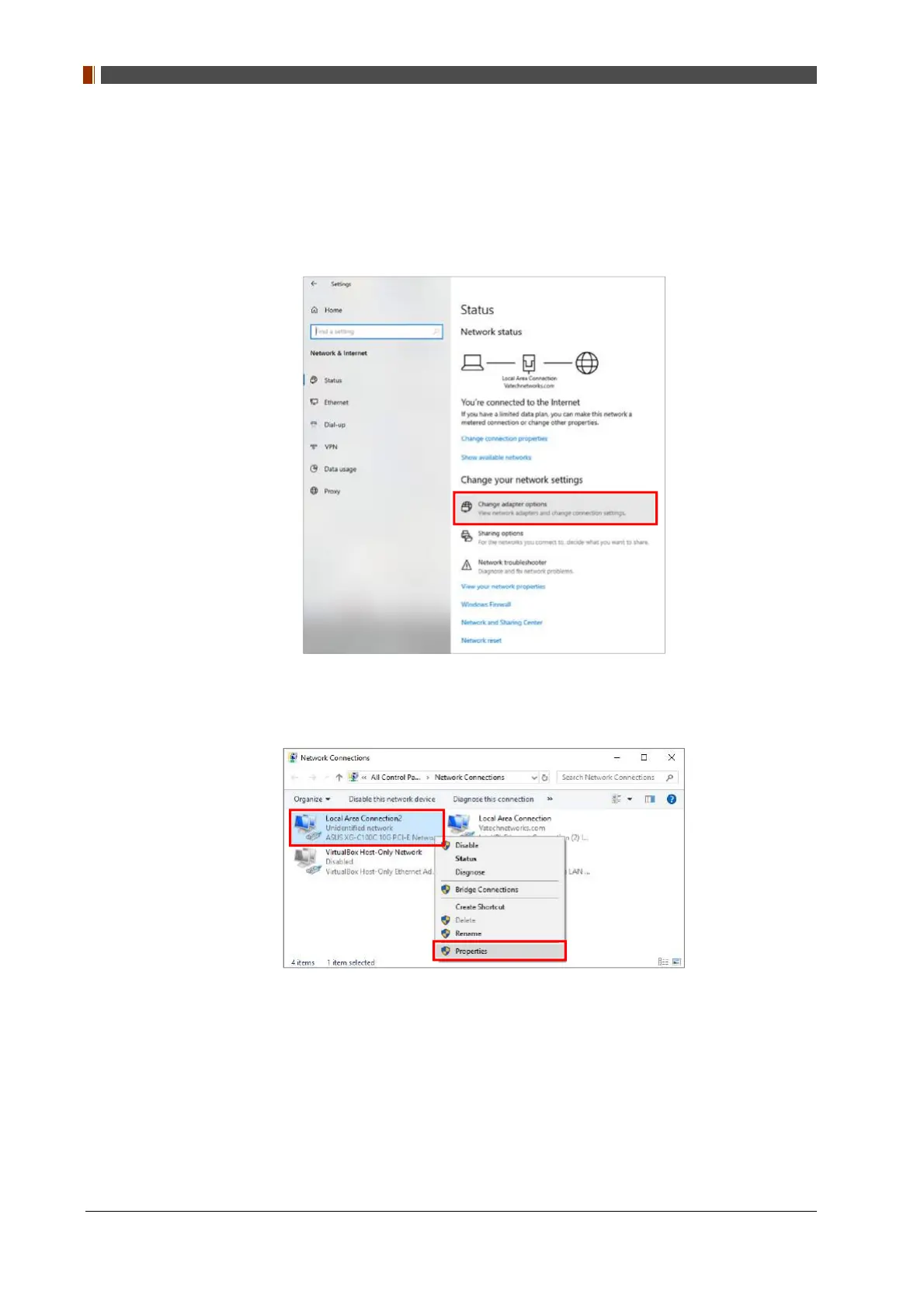
Set up the network as below.
• Desktop > Network Icon > Right click > Properties > Change Adaptor Settings
• Control Panel > Network and Sharing Center > Change Adaptor Settings
2.
① To use station or wired mode, right click "Local Area Connection" and click “Properties".



 To Next Page