PART I. User & Installation Manual
74 1417WCE
4.4.2 Wireless Signal Strength
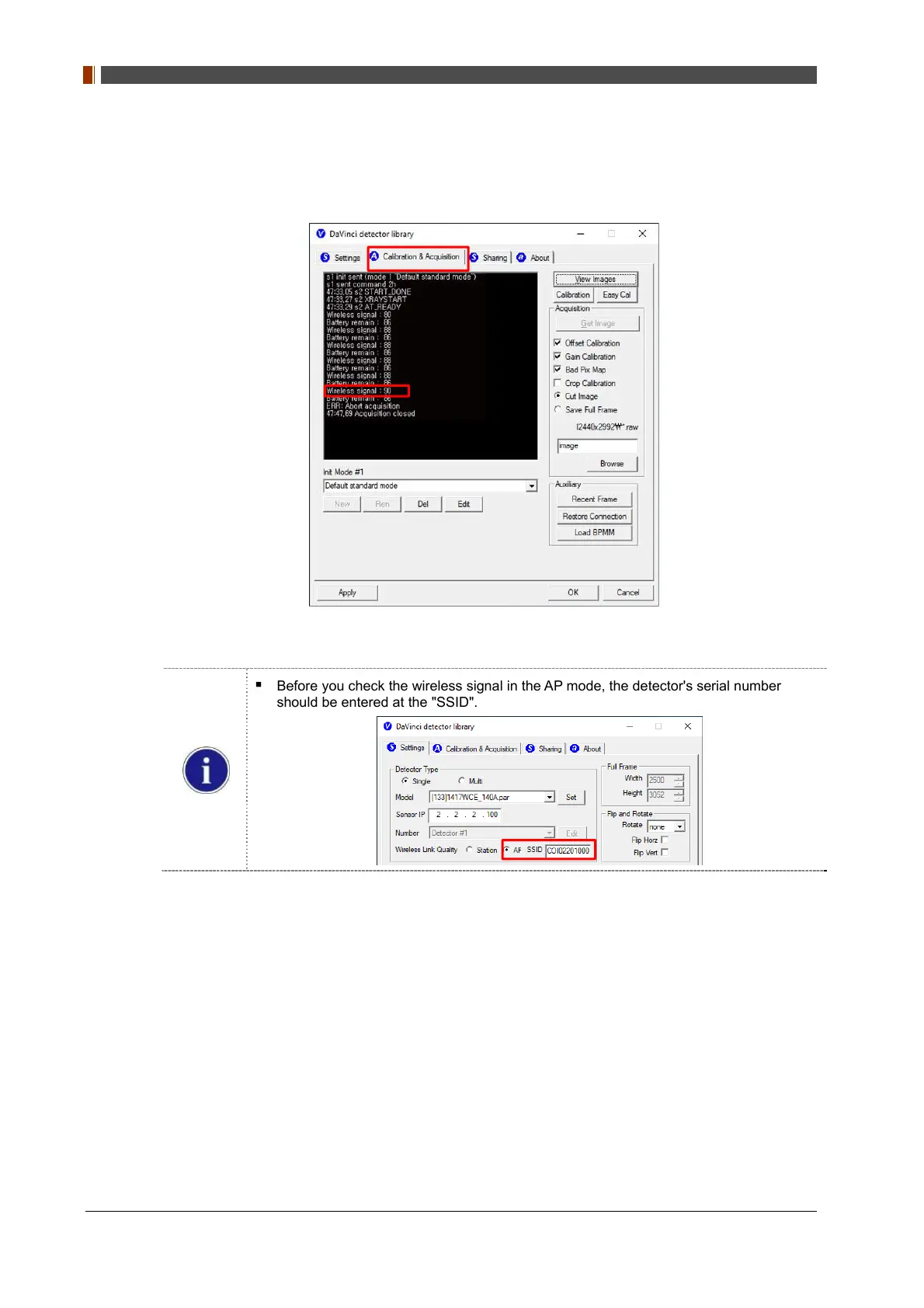
Once you click "Get Image" under the "Calibration & Acquisition” tab, the status window will
show the strength of the wireless signal.
Before you check the wireless signal in the AP mode, the detector's serial number
should be entered at the "SSID".



 To Next Page