?
More information - See the 'General Operation' chapter of the Reference Manual
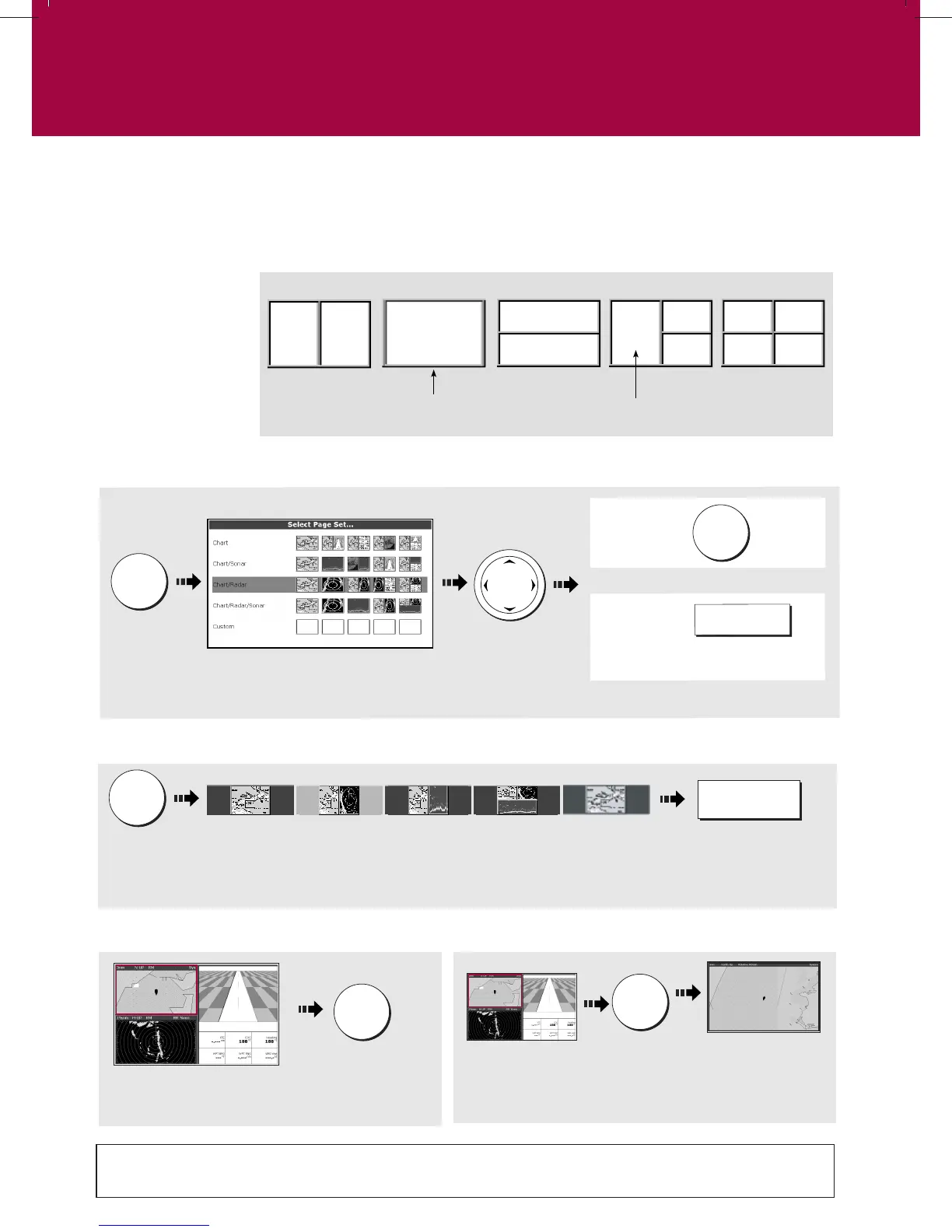
The active window
is bordered in red
Press
and hold
To temporarily maximise active window:
How do I select a Window?
Press to move
highlight to next
window
Press ACTIVE again to return to multiple windows mode.
How do I select a Page?
Soft keys reflect current page set. Displayed option highlighted
Press approp-
riate soft key
Note: Alternatively, repeatedly press PAGE until the required page is highlighted.
Pres
s
and hol
d
How do I select the Page Set?
To
confirm...
Highlight
required p
a
ge
set.
N
o
te
:
Alt
ernatively you can disp
la
y t
he
Select Page Set screen via the Menu key.
T
o
customise
...
E
D
IT
P
A
GE
SET
Follo
w on-
sc
r
e
en
instructi
o
ns
Or
PAGE
OK
PAGE
ACTIVE
SOFT KEY
ACTIVE
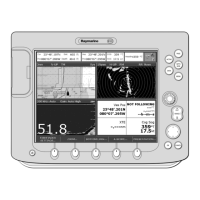
The applications are shown using a combination of page sets, pages and windows. There are five page sets
each containing five pages with a combination of windows and applications in each. These sets can be edited
to define the combination that suits your particular needs.
How do I select how the applications are displayed?
Any changes you
make will be saved
to the system. You
can change these
preferences as many
times as you wish.
Page
(1, 2, 3 or 4 windows)
Window
D8990_1
General Operation
Setting up the display
Card No. 3






 To Next Page