EasyManua.ls Logo

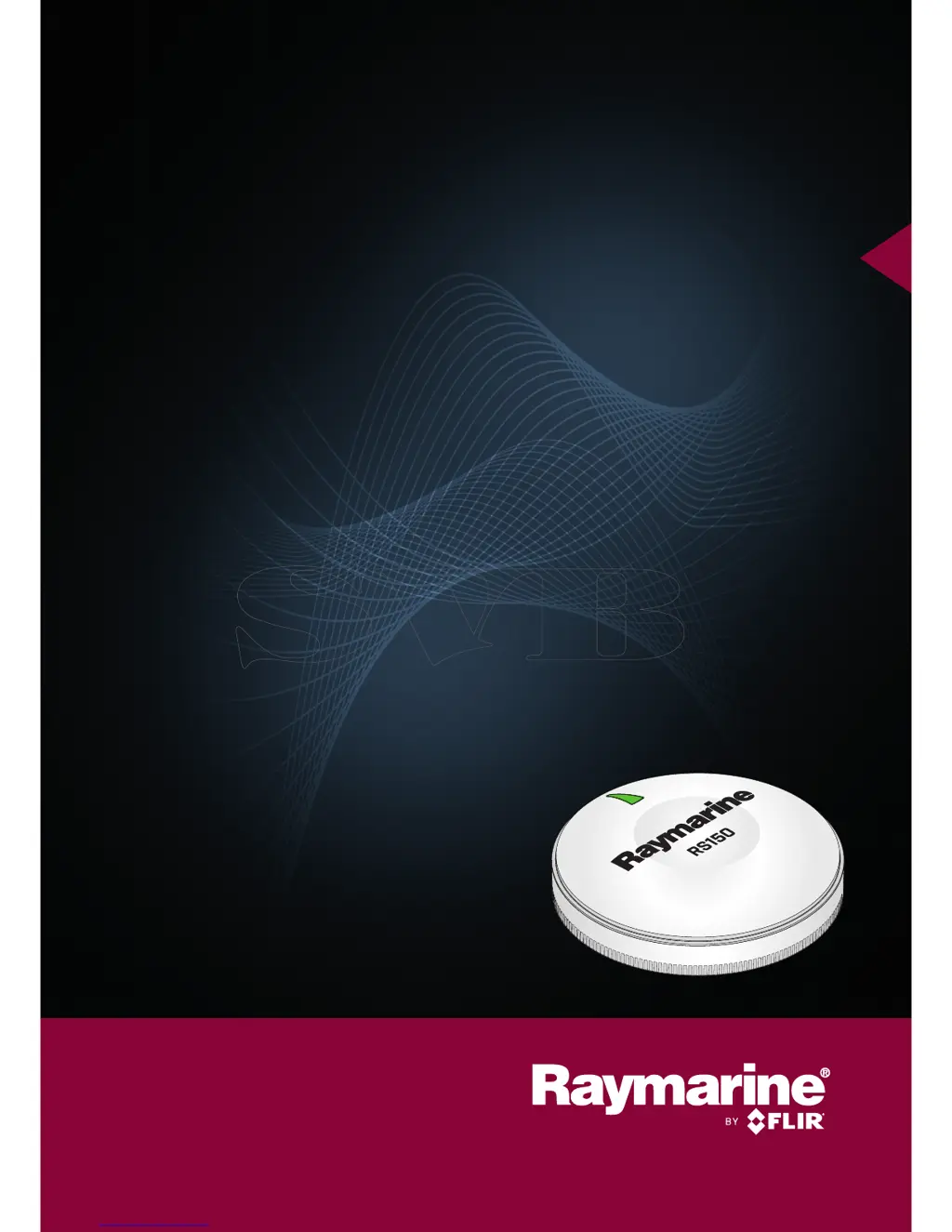
Raymarine RS150 - User Manual

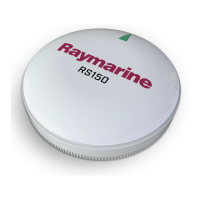
Raymarine RS150
48 pages
Print Icon
To Next Page IconTo Next Page
Loading...
INSTALLATION
INSTRUCTIONS
RS150 GNSS Receiver
© 2015 Raymarine UK Limited
87271-1Document number:
05-2016Date:
English (EN)

Questions and Answers

  • C
    Carlos DoughertyJul 27, 2025
    Why does my Raymarine GPS say 'No Fix'?
    • S
      scurtisJul 27, 2025
      If your Raymarine GPS displays a “No Fix” GNSS status icon, it means the device isn't getting a satellite signal. This could be due to your current location or weather conditions interfering with the signal. Check periodically to see if a fix is obtained in better conditions or another geographic location. It may also indicate a problem with the GNSS connection, so verify that all external GNSS connections and cabling are correctly installed and working properly. Also, make sure the external GNSS antenna has a clear view of the sky and isn't located in a poor position (e.g., below decks or near transmitting equipment).
  • A
    Alexandra CrawfordAug 4, 2025
    What to do if Raymarine RS150 shows 'No Fix'?
    • K
      Kim MorrisonAug 4, 2025
      If your Raymarine GPS shows a “No Fix” GNSS status icon, first ensure that external GNSS connections and cabling are correct and fault free. Then, make sure the GNSS antenna has a clear view of the sky. If the problem persists, the issue might be related to the installation. In this case, refer to the installation instructions.
  • L
    Linda SuarezAug 11, 2025
    What causes Raymarine RS150 GPS to show 'No Fix'?
    • G
      gilbertmarkAug 11, 2025
      The “No Fix” GNSS status icon on your Raymarine GPS could be caused by several factors: * Your geographic location or weather conditions may be preventing a satellite fix. * There may be a fault in the GNSS connection. * The external GNSS antenna may be poorly positioned, such as being below decks or too close to transmitting equipment. * There may be a problem with the GNSS installation.
  • L
    Linda JensenAug 18, 2025
    How to troubleshoot Raymarine GPS 'No Fix' error?
    • A
      Ashley TownsendAug 18, 2025
      If your Raymarine GPS displays a “No Fix” GNSS status icon, start by checking if better conditions or a different geographic location helps in obtaining a fix. If not, verify the external GNSS connections and cabling to ensure they are correct and without faults. Also, confirm that the GNSS antenna has a clear view of the sky. If these steps don't resolve the issue, consult the installation instructions for potential GNSS installation problems.

Summary

Chapter 1: Important Information

Product Safety and Installation Warnings

Essential safety warnings for product installation, operation, ignition, grounding, and power.

Product Care and Disclaimers

Guidelines for cleaning, service, water ingress, and general disclaimers.

Suppression Ferrites

Importance of suppression ferrites for EMC performance and correct installation.

Connections to Other Equipment

Requirement for ferrites on non-Raymarine cables.

Compliance and Disposal Information

Covers declaration of conformity, product disposal, and regulatory information.

Warranty and Technical Accuracy

Information on warranty registration and technical accuracy statements.

Chapter 2: Document and Product Information

Document Information

Details about the installation document, its purpose, and applicable products.

RS150 Product Overview

Provides a summary of the RS150 GNSS Receiver's features and connectivity.

Chapter 3: Planning the Installation

Installation Planning and Checklist

Covers the installation checklist and essential planning steps.

Supplied Parts and Tools

Lists supplied parts and the tools required for installation.

Software Updates

Information on how to update the product's software.

Location Selection and Warnings

Guidance on selecting an installation location and important warnings.

Product Dimensions

Provides the physical dimensions of the product.

Chapter 4: Cables and Connections

General Cabling Guidance

Best practices for routing and protecting cables.

Connections Overview

Describes the connectors and their uses.

SeaTalkng Power Supply

Details how power is supplied to the SeaTalkng network.

NMEA 2000 and SeaTalkng Network Examples

Illustrates NMEA 2000 and SeaTalkng network connections and examples.

Chapter 5: Installation

Surface Mounting

Instructions for mounting the unit on a surface.

Pole Mounting

Instructions for mounting the unit using an optional pole mount adaptor.

Chapter 6: System Checks and Troubleshooting

Initial System Test

Procedure for performing an initial power-on test to verify operation.

Troubleshooting Common Issues

Provides guidance for diagnosing and correcting common problems.

GNSS Troubleshooting

Troubleshooting specific to GNSS issues and possible causes.

LED Diagnostics

Explains the meaning of different LED sequences and their status.

Chapter 7: Maintenance

Service and Routine Checks

Guidance on product service, maintenance, and routine equipment checks.

Product Cleaning

Best practices for cleaning the product without causing damage.

Chapter 8: Technical Support

Product Support and Servicing

Information on obtaining product support, warranty service, and repairs.

Learning Resources

Details available resources like video tutorials, training courses, and FAQs.

Chapter 9: Technical Specification

RS150 Technical Specifications

Detailed technical specifications for the RS150 GNSS Receiver.

Chapter 10: Spares and Accessories

Available Accessories

Lists optional accessories available for the RS150.

SeaTalkng Cabling Components

Details SeaTalkng cabling components and their purposes.

SeaTalkng Cables and Accessories

Lists SeaTalkng cables and accessories for compatible products.

Appendix A: NMEA 2000 PGN Support

NMEA 2000 PGN Support

Lists the NMEA 2000 PGNs supported by the unit.

Raymarine RS150 Specifications

General IconGeneral
TypeGPS Receiver
Channels72
SBASYes
Position Update Rate10 Hz
InterfacesNMEA0183, NMEA2000
Power Consumption1.5 W
Humidity95% non-condensing
Waterproof RatingIPX6
GNSSGPS, GLONASS
FrequencyL1
Supply Voltage12 V DC / 24 V DC
Storage Temperature-40 to +85 °C
Mountingsurface mount
ConnectorM12
Operating Temperature-25°C to +55°C (-13°F to 131°F)

Related product manuals