35
Chapter 4: Menu Settings
4.1 Menu Function
Most of the radio’s functions reside in the Main Menu, which is accessed through
the
MENU/DSC key. A diagram of the menu structure can be found in
Appendix C.
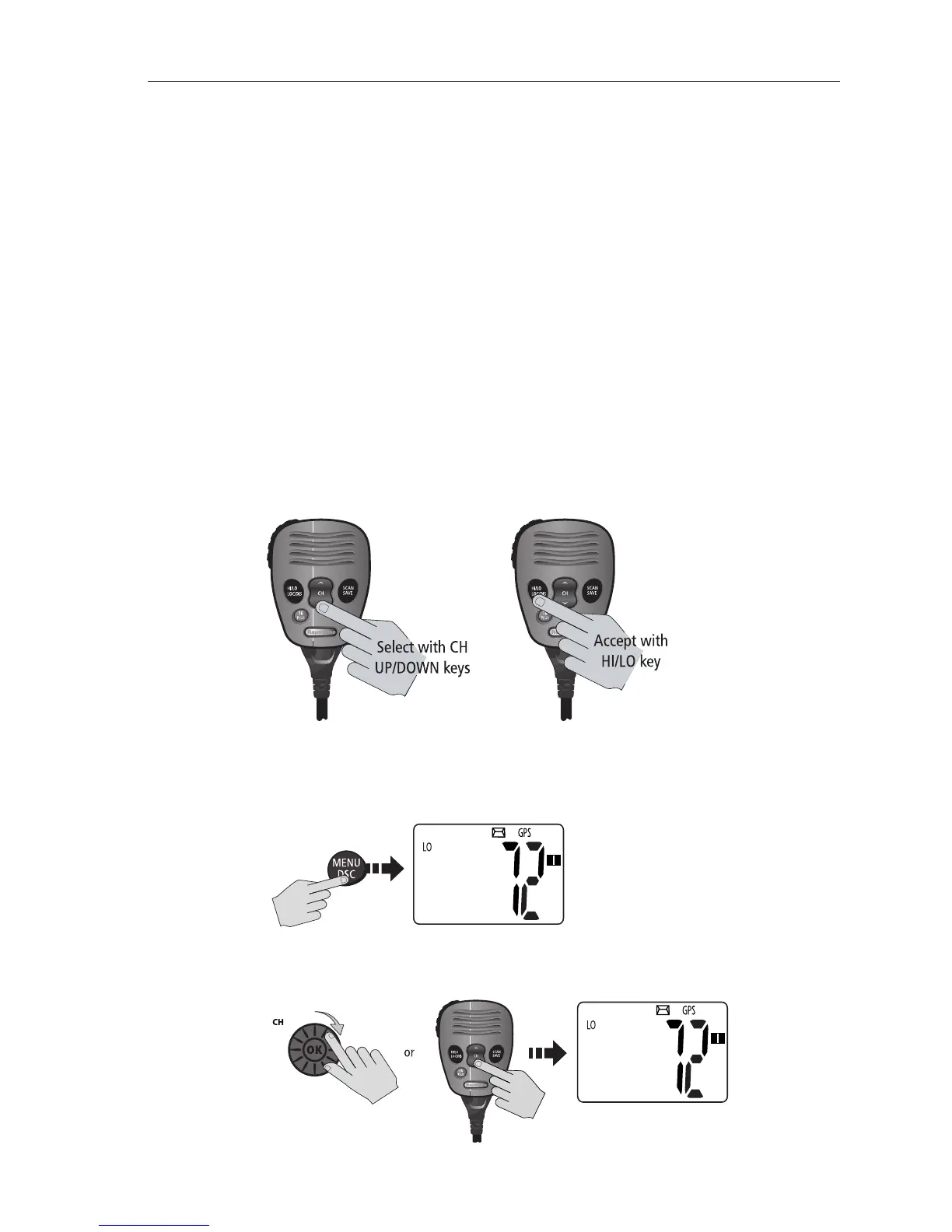
Making Menu and Programming Selections
There are two ways to make menu and character selections in your radio:
1. Most examples in this chapter describe making selections using the
CH/OK
knob on the transceiver.
2. However, you can also press the microphone up/down keys to make your
selections and then press the microphone
HI/LO key to accept.
To make Menu selections:
1. Press and release the MENU/DSC key to enter Menu mode. The list of avail-
able menu groups appears.
2. Use the CH/OK knob on the transceiver or CH up/down key on the micro-
phone to scroll through the list until the desired menu is highlighted.
D10025-1
D10249-1
MAIN MENU
>VHF OPS
GPS SETUP
ATIS OPS
D10250-1
MAIN MENU
GPS SETUP
ATIS OPS
>SYS CONFIG



 To Next Page