18 Ray54E VHF Radio
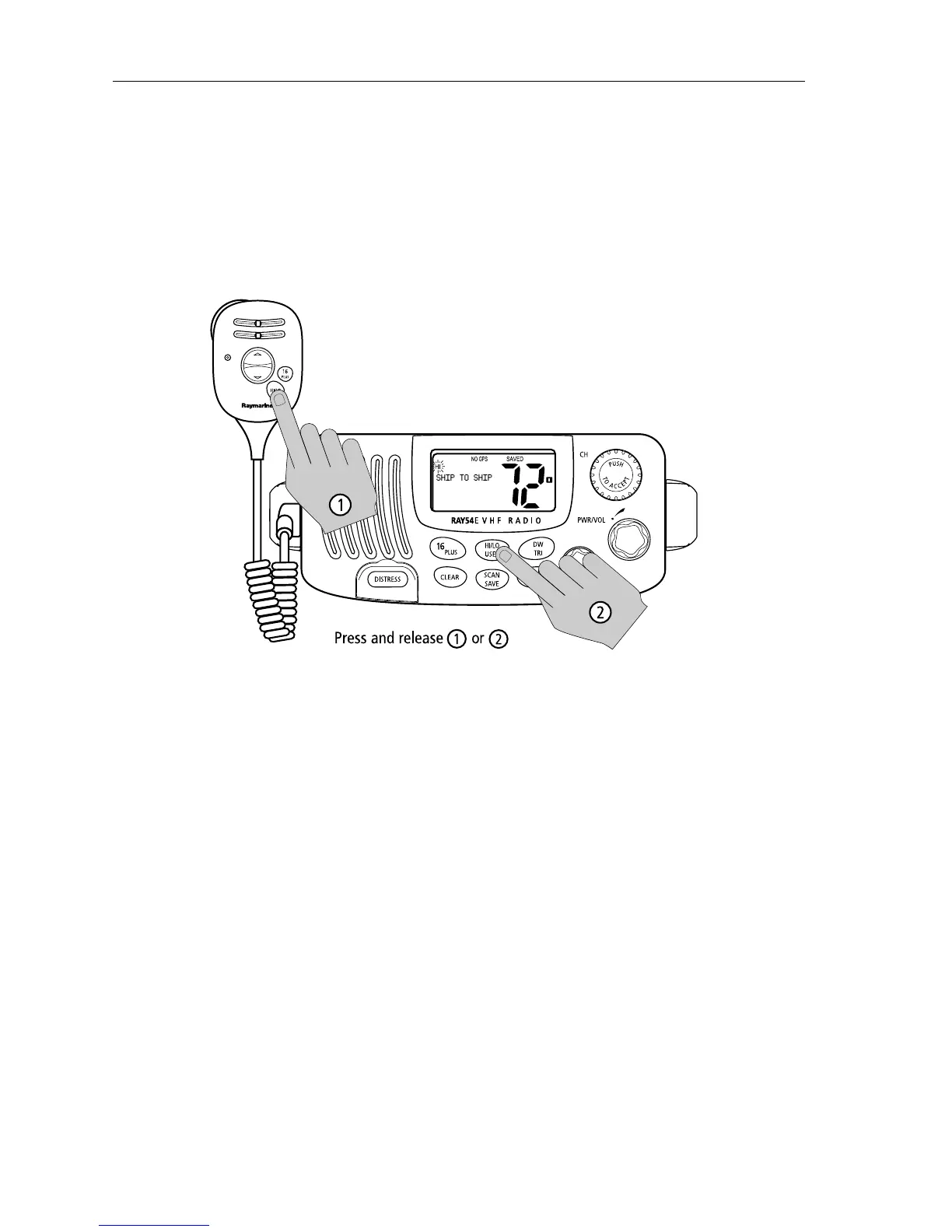
Press and release the HL/USER key on the main unit or microphone to toggle
the TX power from LOW (1 watt) to HIGH (25 watts). The corresponding LO
or HI indicator appears on the LCD.
As a part of marine communications courtesy, initial contact should always
be attempted using low power. You should switch to high power only when
contact can not be made on low power in emergency situations.
Note: Some channels are limited by regulation to be low power only. If the
HILO operation request is denied, an error tone beeps.
4.5 Setting the Channel
On the microphone...
Press and release the UP arrow to increment the channel number.
Press and release the DOWN arrow to decrement the channel.
Press and hold either key for rapid channel scrolling.
On the main unit...
Rotate the CH knob clockwise to increment the channel number.
Rotate the CH knob counter clockwise to decrement the channel number.



 To Next Page
 Loading...





