Chapter 4: General Operations 19
4.6 Selecting a Weather Channel (If Available)
The US National Oceanic and Atmospheric Administration (NOAA)
broadcasts continuous weather reports and severe weather alerts, as needed.
If so equipped, your Ray54E is programmed to receive 10 weather channels
and sound an alarm if a weather alert is received.
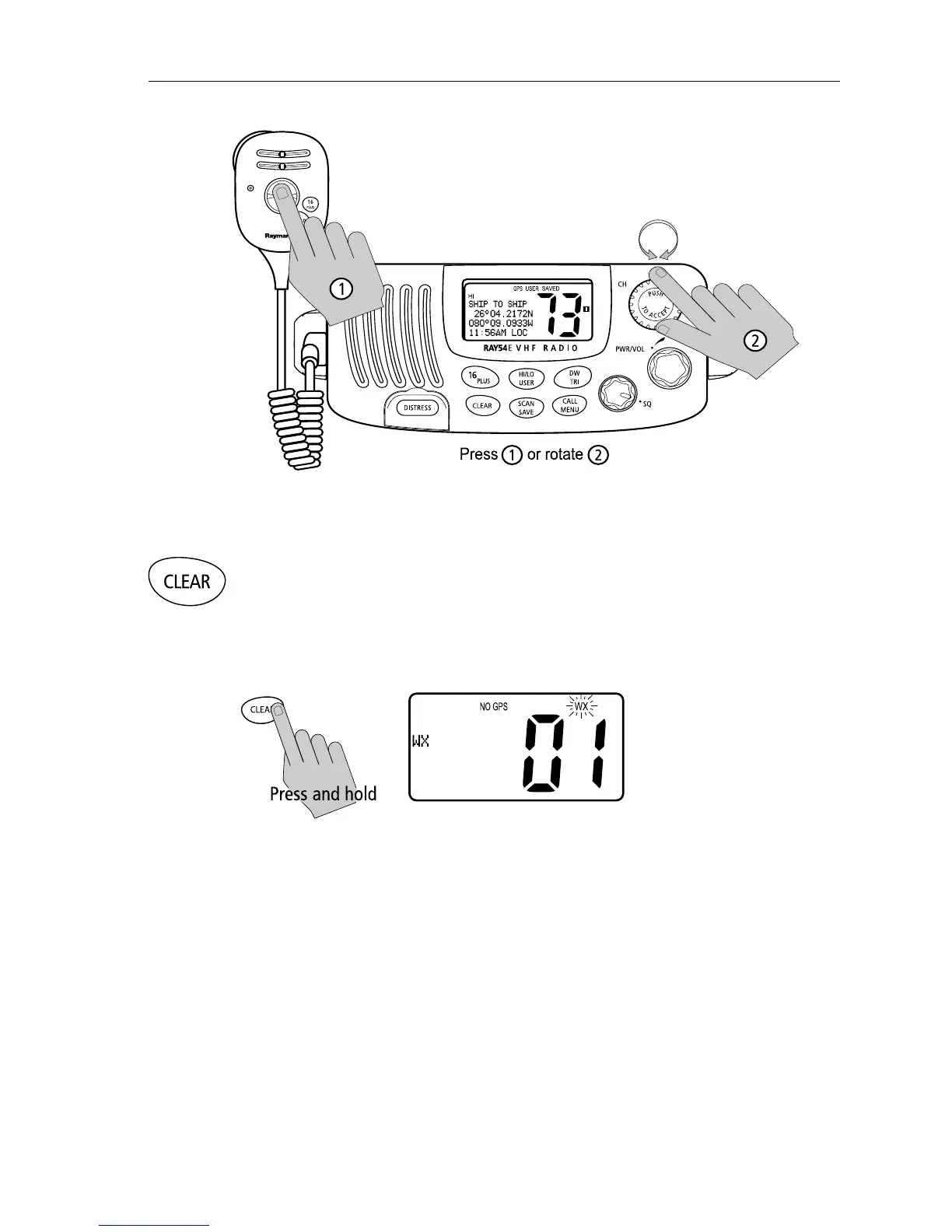
Press and hold the CLEAR key to enter Weather mode.
The WX indicator appears on the LCD. Rotate the CH knob to select from
channels WX01 through WX10.
Press and release the CLEAR key again to return to normal operation.
Note:
1. WX broadcasts can only be heard in the US and Canada.
2. The Ray54E can receive these broadcasts only if the unit has been
upgraded by the distributor to use WX Channels.
3. During Weather mode, the PTT, HILO/USER, SCAN/SAVE and DW/TRI
keys are disabled and an error beep sounds if pressed.



 To Next Page
 Loading...





