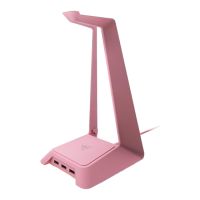
5. CUSTOMIZING YOUR MONITOR STAND
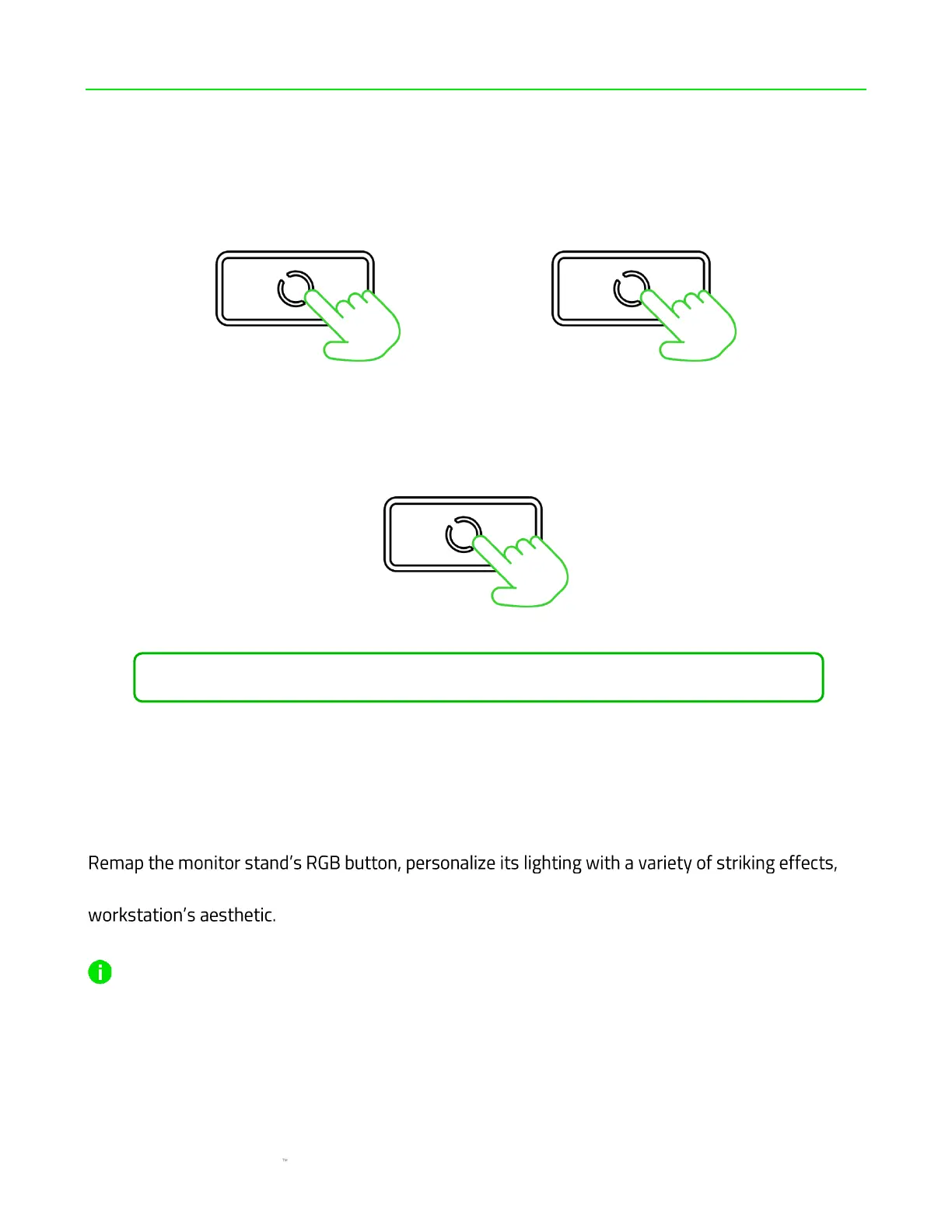
ENABLING / DISABLING LIGHTING
CYCLING BETWEEN CHROMA EFFECTS
**Repeat until desired effect is active.
RAZER SYNAPSE APP
and sync it with all your Razer Chroma devices for an immersive setup that complements your
Only available on Windows 10 64-bit or higher. Laptop USB connectivity is required to customize the
monitor stand via Razer Synapse.







 To Next Page