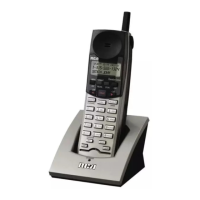
9. Press the soft button.
Turn Off Dialing Prefix
1. Press the soft button.
2. Press 5 or 6 on the Navigation button to scroll through the options until
“Phone setting” appears on the display.
3. Press the soft button.
4. “Dialing prefix” appears on Navigation display.
5. Press the soft button.
6. To turn off the dialing prefix function, press 5 or 6 on the Navigation button
to scroll through the options until “Off” appears on the display.
7. Press the soft button.
Area Codes
The area code functions allow calls within local and regional area codes to be dialed
without the prefix.
Edit Local Area Code (LAC)
1. Press the soft button.
2. Press 5 or 6 on the Navigation button to scroll through the options until
“Phone setting” appears on the display.
3. Press the soft button.
4. Press 5 or 6 on the Navigation button to scroll through the options until
“Area codes” appears on the display.
5. Press the soft button.



 To Next Page