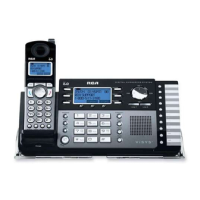
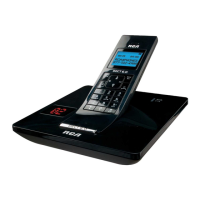
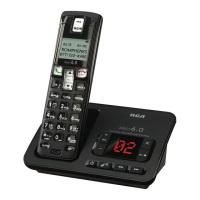
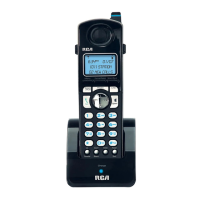
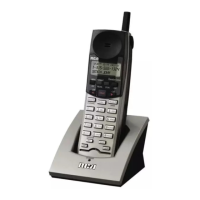
Features
Redial Button
Allows you to dial the last ten (10) numbers called. You can use the Navigation But-
ton up/down arrows to scroll through the last 10 numbers dialed.
Line Buttons (4)
Four line buttons are available. Dual-colored lights in each Line button indicate:
• Line is idle (light off)
• Base Unit is ringing (flashing green quickly)
• Cordless Handset is ringing (flashing red quickly)
• Base Unit is on hold (flashing green slowly)
• Cordless Handset is holding a call (flashing red slowly)
• Base Unit in use (constant green)
• Cordless Handset in use (constant red)
Line Dedicate
The line dedicate function allows an extension (Base Unit or Cordless Handset) to be
dedicated to a line.
Dial Button
Pressing the Dial button accesses an available telephone line and dials the number
on the display. This allows users to pre-dial a number or review Caller ID records or
Directory entries before dialing the number.
Pre-Dialing
Allows you to enter a phone number before lifting the handset, pressing the
Speaker, Headset, Dial, or Line (1-4) buttons to make a call.
20



 To Next Page