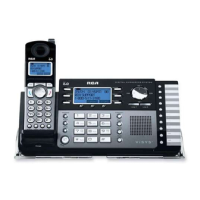
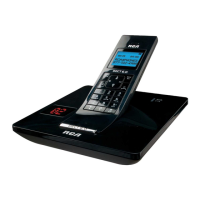
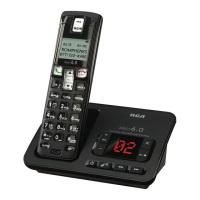
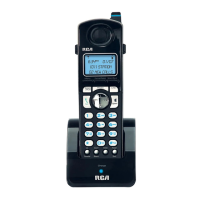
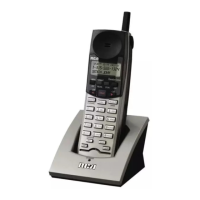
Features
Speaker Button
Press the Speaker button to activate the Speakerphone and make a call, answer an
incoming call, or make an intercom call. You can toggle between the speakerphone
mode and the receiver by pressing the Talk or Speaker buttons. To end a call, press
the End button.
Headset Jack
Allows you to plug in a headset. The headset jack supports a standard 2.5 mm head-
set plug.
Mute
Available through the soft button. During a call, allows you to temporar-
ily turn off the microphone on the Cordless Handset, headset, or speakerphone so
the person on the line cannot hear you.
Flash Button
Press to send a signal to a phone line to retrieve a dial tone after you end a call, or
to perform the call waiting feature provided by local phone companies during a call.
Hold
Available through the soft button during a call. Allows you to temporar-
ily suspend a call up to 30 minutes.
Exit Button
Returns to the Standby Mode display. Any unsaved changes will be discarded.
28



 To Next Page