STEP S: TUNE THE TV
Tune the TV to the VCR viewing channel. The VCR viewing
channel ischannel 3 or 4 or the TV's video input.
If you connect your VCR using the ANTENNA connectors with
RF coaxial cable, set the 3CH.4 switch to channel 3 or channel
4--the channel you want to use on your TV.
If you connect your VCR using the AUDIO/VIDEO jacks with
audio/video cables, select the TV's video input to see the
signal. See the TV Owner's Manual.
STEP 6: TURN ON THE VCR
Press POWER to turn on the VCR.
STEP 7: INTERACTIVE SETUP
The first time the VCR isturned on, Interactive Setup--a brief
series of on-screen menus--appears. These menus assist in setting
up several of the VCR's features. Use the remote's number
buttons to select options.
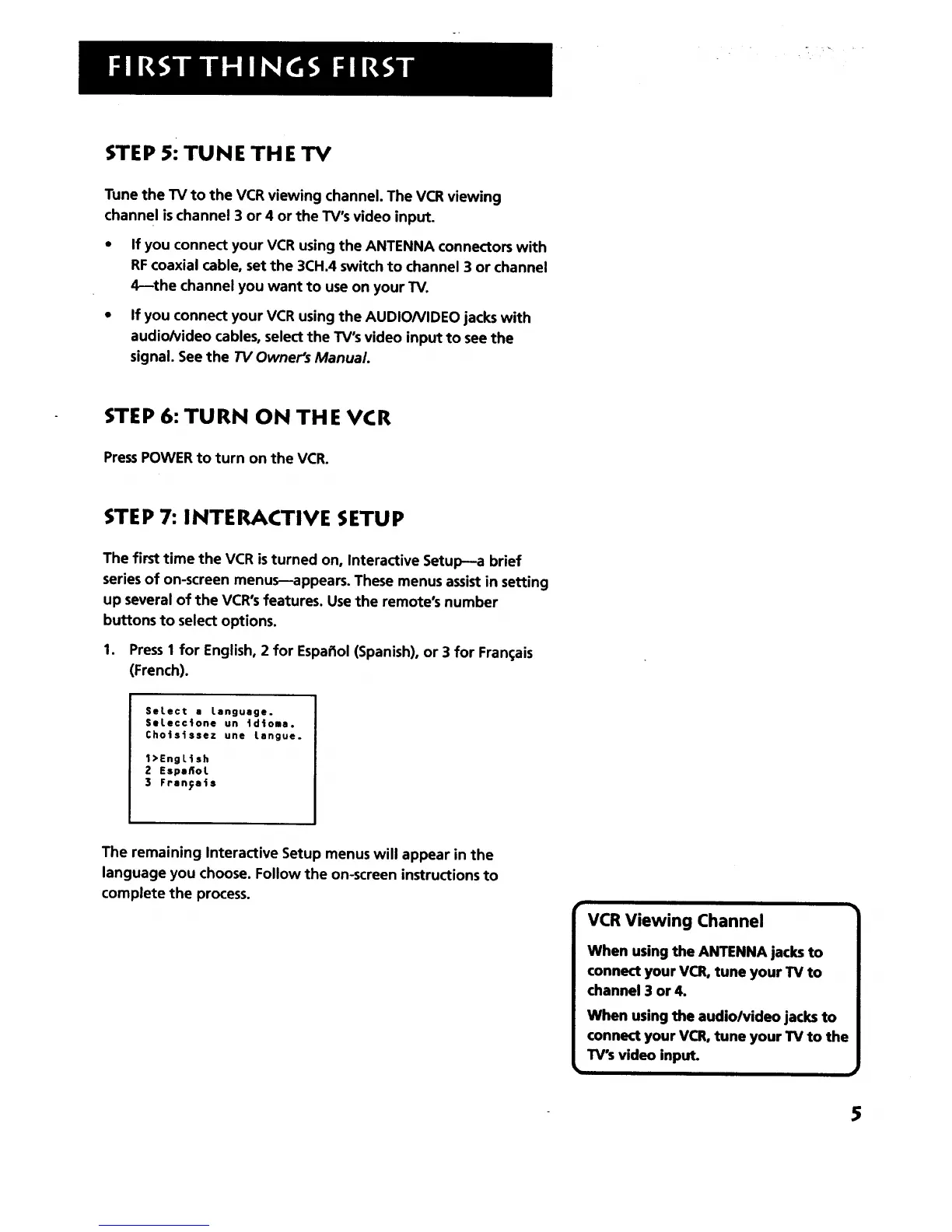
1. Press I for English, 2 for Espa_iol(Spanish), or 3 for Fran(;ais
(French).
SeLect a Language.
Setecctone un tdtoma.
Cho|sissez une tangue.
1>EngLish
2 Espaflot
3 Franyet$
The remaining Interactive Setup menus will appear in the
language you choose. Follow the on-screen instructions to
complete the process.
VCR Viewing Channel
When using the ANTENNA jacks to
connect your VCR, tune your TV to
channel 3 or 4.
When using the audio/video jacks to
connect your VCR, tune your TV to the
TV's video input.
$



 To Next Page