11
Do not attempt to set the poise at any position; only set in a position where it is
rmlyseatedinanotch.
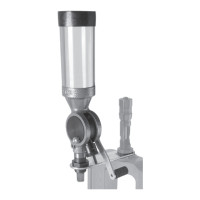
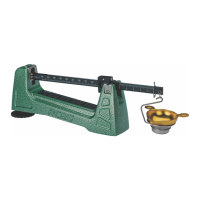
Thepointercontainsthreeseparatepointersforeasyreadingofoverandunder
loads.Thecenterpointeriswhatisusedwhenbalancingthescaleandestablishes
aZEROBalance.Thetopandbottompointersrepresentapproximately0.5to0.7
grainaboveandbelowtargetload.Thetopandbottompointersallowtheuserto
quicklyweighloadsknowingthatifthebeampointerisoscillatingbetweenthetop
andbottompointerstheloadiswithin+/-0.5to0.7grains.Havingtopandbottom
pointersalsoeliminatestheneedtomovethesmallpoisetocheckpowdercharge
variations.NOTE:WHENSCALEISZEROBALANCEDITISGOODPRACTICETO
VERIFYTHEEXACTLOADREQUIREDFORTHEBEAMPOINTERTOREACHTHE
TOPANDBOTTOMPOINTERS.
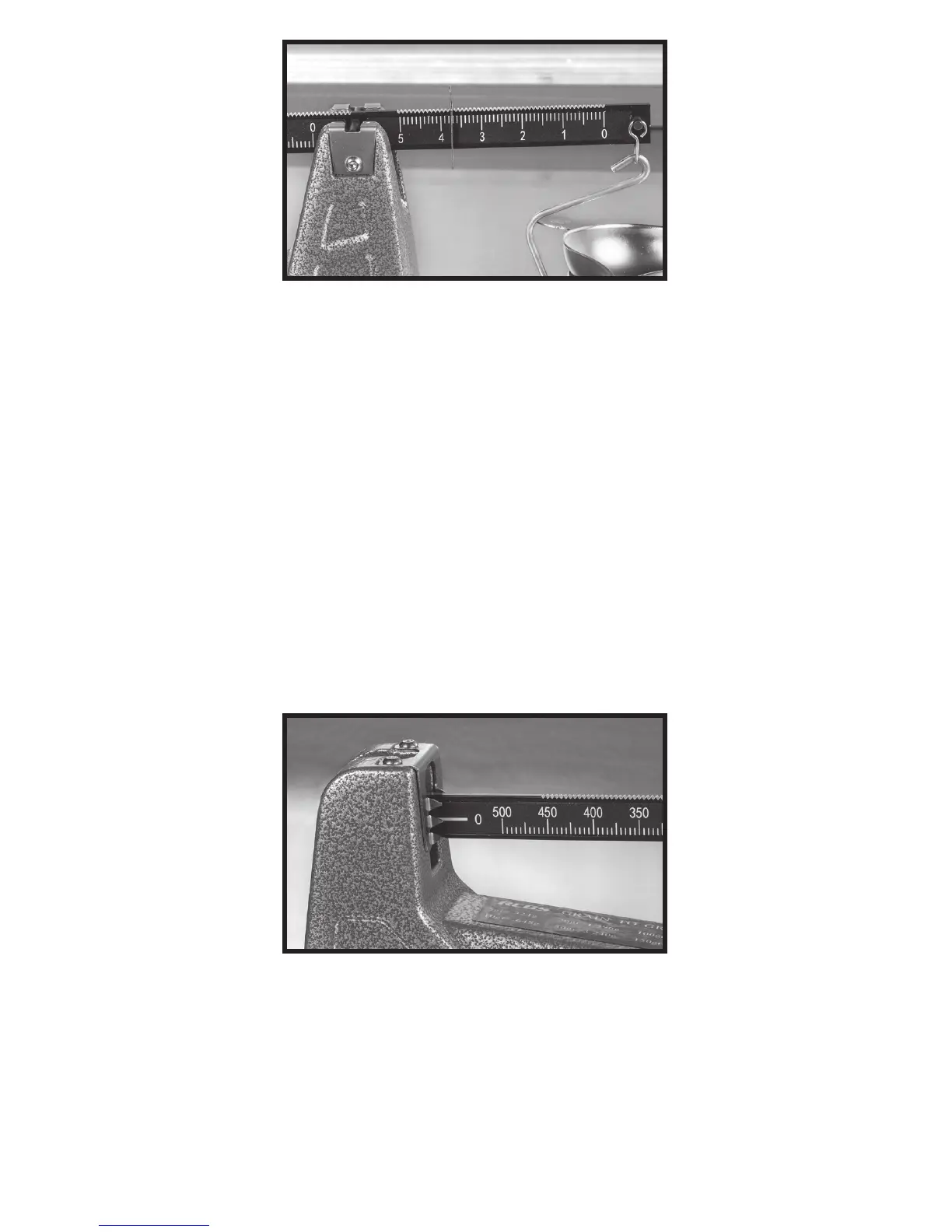
Photo19:Smallpoisesetat3.7grains
Photo20:Centerpointerat0.1grainabovereferencetargetload


 To Next Page