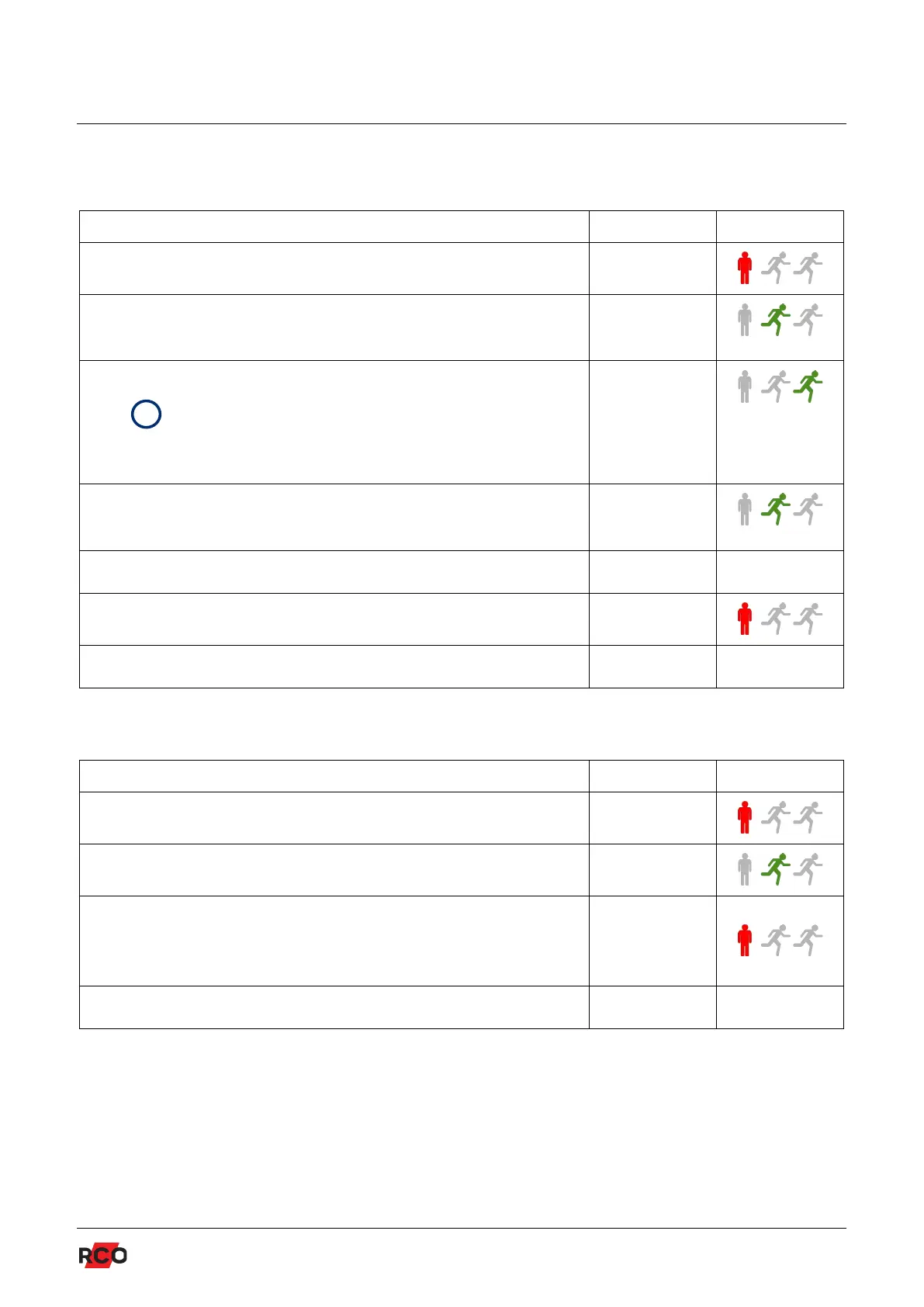
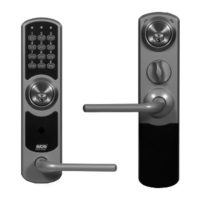
R-COD 500 & R-COD 500 IR
COMMISSIONING
11
Programming access codes
Description Quick guide Indication
1. Enter the system code (default 1 2 3 4). x x x x
2. Select menu 1. Confirm by pressing #. A beep
confirms.
1 + #
3. Select a code position (1–8). Confirm by pressing #.
When pins P1/3 and P1/4 are not connected, the
access codes in code positions 5–8 will not
work. See page 7.
1–8 + #
4. Enter the access code. Confirm by pressing #.
A beep confirms.
code + #
5. Program additional access codes (repeat steps 3–4). ...
6. Press * to return to the main menu. *
7. Return to operating mode by pressing the asterisk. * –
Erasing one access code
Description Quick guide Indication
1. Enter the system code (default 1 2 3 4). x x x x
2. Select menu 4. Confirm by pressing #. 4 + #
3. Select a code position (1–8). Confirm by pressing #.
The code in the selected position is immediately
erased. A beep confirms it.
1–8 + #
4. Return to operating mode by pressing the asterisk. * –


 To Next Page