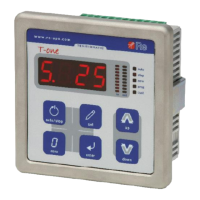
Re S.p.A. T-two – standard model
Rev. 05/15 13/14
Press + / – and set-up the correct password.
Press to confirm the password.
Without accessing the set-up menu, press and hold the + , – and keys simultaneously to display the
current “Admin” password.
Function 98 – Saving the “Admin” password
To prevent the user or unauthorised personnel from modifying the settings in the “regulator set-up and
parameters menu”, you can use this function to save a new “Admin” password (consisting of a
numerical value).
Press to access the function, the display indicates the current value.
Press + / – and set-up the desired password.
Press to confirm.



 To Next Page