WIFI DEVICE CONTROL INSTRUCTIONS (continued)
Step by Step – Pushing the Fireplace to a local network
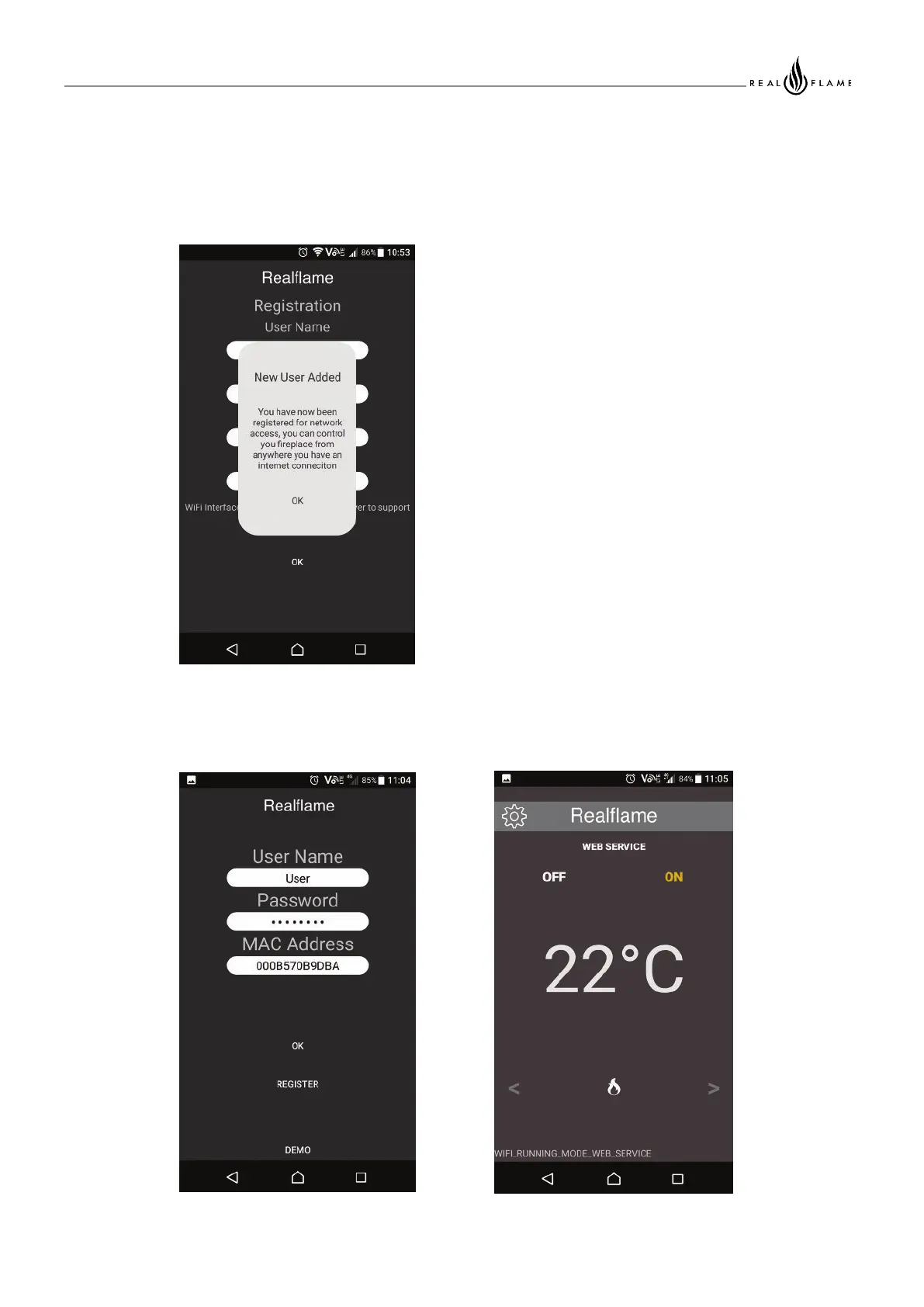
User Added Successfully, your Fireplace is
now linked to your account, you can control
your Fireplace by logging into the application
when prompted
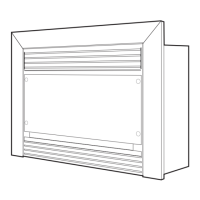
Illustration 11: After a successful
login, you will have control of you
Fireplace
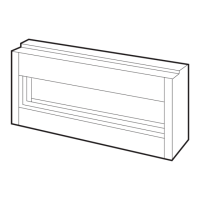
Illustration 10: Enter Your Details
to access the web control
53
Operation
When on another network or using your Mobile data, launching the App will present you with the
log in screen.



 To Next Page