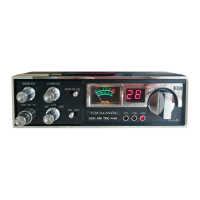
·· DISASSEMBLY INSTRUCTIONS
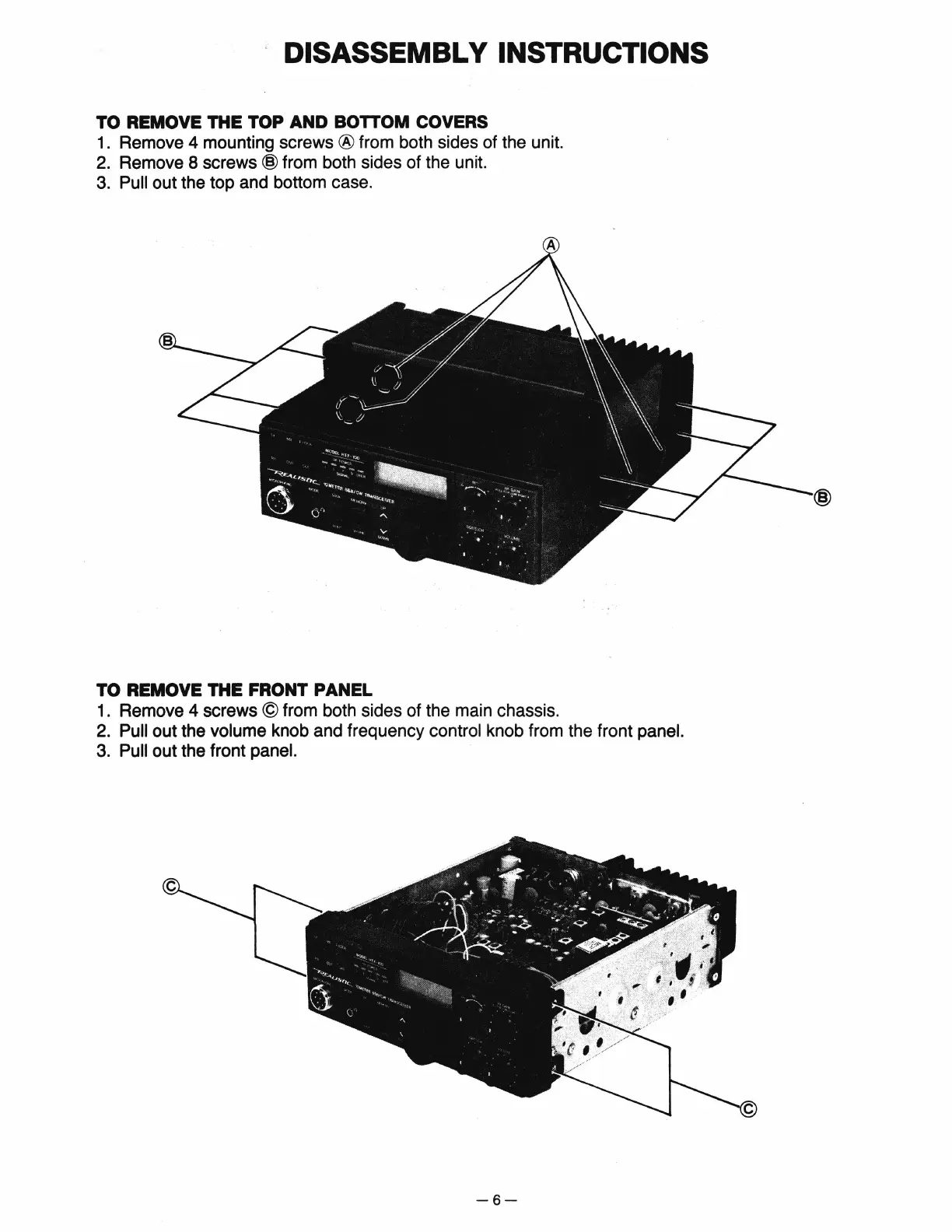
TO REMOVE THE TOP AND BOTTOM COVERS
1.
Remove 4 mounting screws ® from both sides of the unit.
2.
Remove 8 screws @ from both sides of the unit.
3.
Pull out the top and bottom case.
TO REMOVE THE FRONT PANEL
1.
Remove 4 screws © from both sides of the main chassis.
2.
Pull out the volume knob and frequency control knob from the front panel.
3.
Pull out the front panel.
-6-


 To Next Page