Documentation RM-BV4 Micro DP
RDN 10000662 16 24.01.2014
8 Text messages
8.1 Operating messages
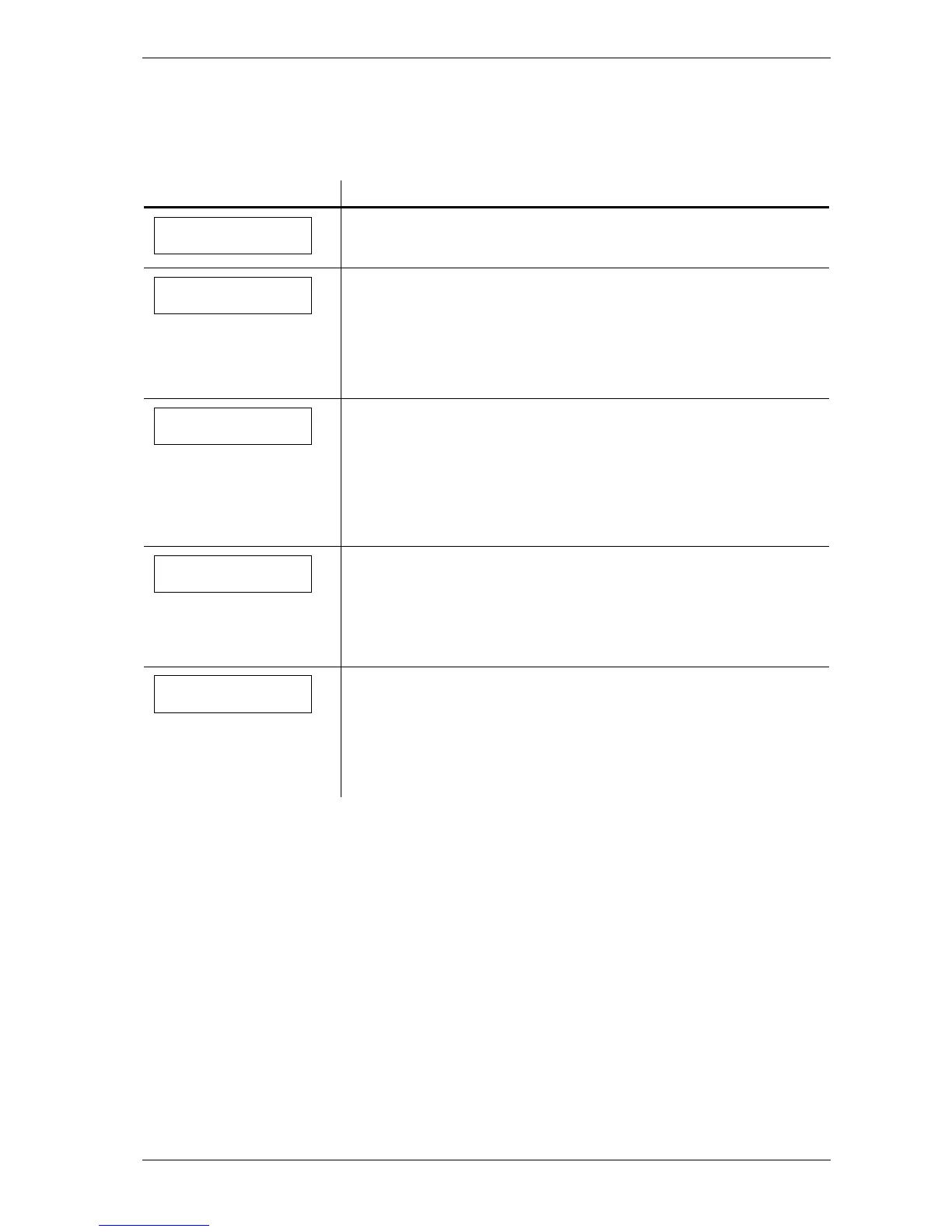
Display Meaning
After applying the voltage, the text message is displayed for approx.
1 second. The device powers up during this time and conducts a self-
test.
The cleaning is active.
# The currently operated valve is displayed in row 1 as number
1 ... 4 "displayed.
#### If the differential pressure sensor is connected to the filter via the
measuring hoses the current differential pressure Δp of the filter
will be displayed in row 2 in Pa.
Cleaning is stopped via the "Start / Stop" input and the down time
The currently operated valve is displayed in row 1 as number 1 ...
If the differential pressure sensor is connected to the filter via the
measuring hoses the current differential pressure Δp of the filter
will be displayed in row 2 in Pa.
DTC Cleaning. #
dP #### Pa
Cleaning is stopped via the "Start / Stop" input and the down time
cleaning is disabled or the set down time cleaning cycles are executed..
The control is in stand-by mode.
#### If the differential pressure sensor is connected to the filter via the
measuring hoses the current differential pressure Δp of the filter
will be displayed in row 2 in Pa.
The forced cleaning is active.
#
The currently operated valve is displayed in row 1 as number 1 ...
4 "displayed.
#### If the differential pressure sensor is connected to the filter via the
measuring hoses the current differential pressure Δp of the filter
will be displayed in row 2 in Pa.
Forced cleaning#
dP #### Pa


 To Next Page