RECORD UK DIRECT 25-03-2019 Page 6
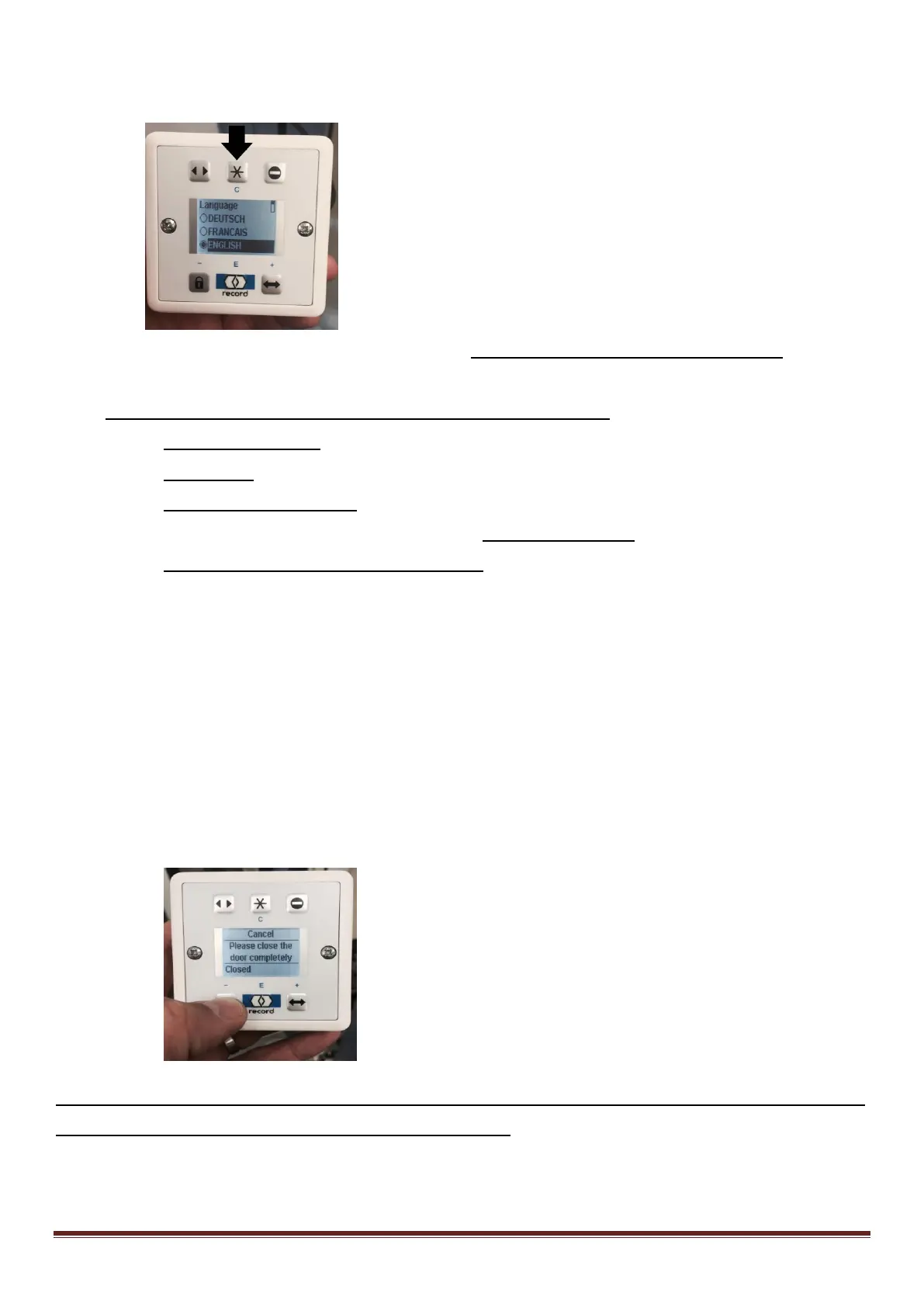
1. Select English, PRESS ENTER (Record) – Then Press (C)
2. Enter programming mode by holding the Blue button on the main processor for 4
Flashes
(If first install it may automatically launch the learn cycle)
3. Select Configure system.
4. Select Door type
5. Select BASIC ESCAPE ROUTE ( this is for all System 20 sliding doors)
6. Return to the first menu screen and select Learning system.
7. Select Running parameters. And then YES
8. Please wait till the door is fully open
9. IF MOTOR DIRECTION IS INCORRECT EITHER SWAP BELT BRACKETS TO REVERSE DOOR
DIRECTION OR CHANGE JUMPER JP4
10. Press and hold the lock symbol until the door is fully closed and the message on
screen changes – Release
11. The door will re-open
12. Press and hold the lock button again until the door is closed – Release the button and
it should then say running parameters complete.
13. Select Continue
It will then ask you if you would like to learn the sensors – if Record sensors are fitted then
Select YES . If third party sensors are fitted select no



 To Next Page