Red Sea MAX User Manual
4 Pre-operating instructions
Before installing a new aquarium it is advisable to inspect it
for leaks to make sure that no damage has occurred during
transport.
1.
2.
Fill the tank to the bottom of the inner rim with fresh
water. Wait for 15 minutes and inspect for any signs of
leakage.
Siphon the water from the tank to empty it.
NOTE Do not try to move the aquarium with any water inside
Assembly
Biological filter material
1.
2.
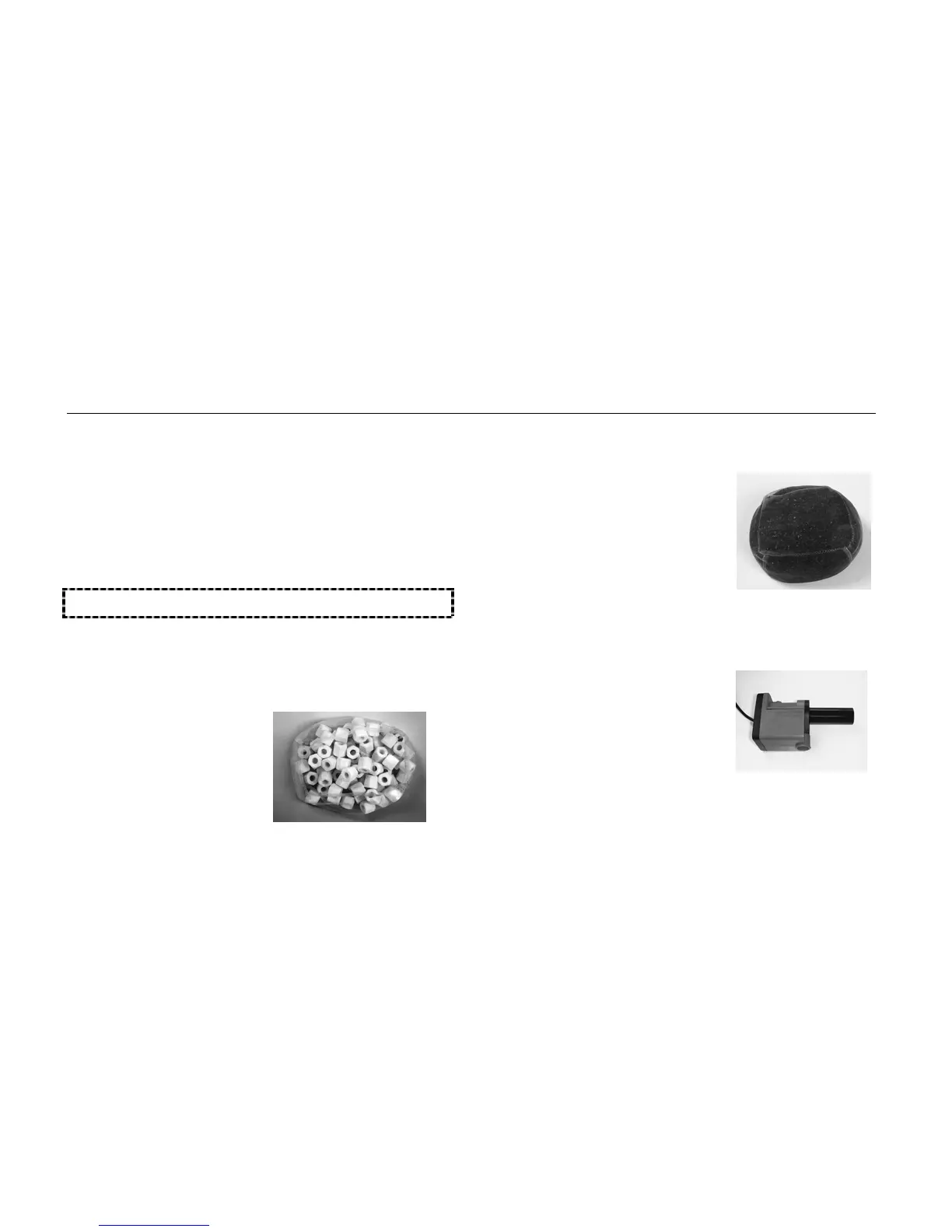
Rinse the biological filter
material in its mesh bag
under running water.
Slide it all the way to the
bottom of the filter media
chamber at the back-left
corner of the aquarium.
Figure 3: Biological filter
material
Carbon filter material
1. Wash the carbon filter material
under running water several
times to remove residual dust.
2. Slide it into the biological filter
chamber, resting it on top of
the biological filter material.
Figure 4: Carbon filter
Circulation pumps (x 2)
1.
2.
Disassemble and reassemble
the pumps, in order to
familiarize yourself with their
inner parts.
Position the first pump in the
filter media chamber with the
intake pipe pointing down and
the pump outlet inline with
the outermost hole in the
smoked glass wall.
Figure 5: Circulation pump
9



 To Next Page