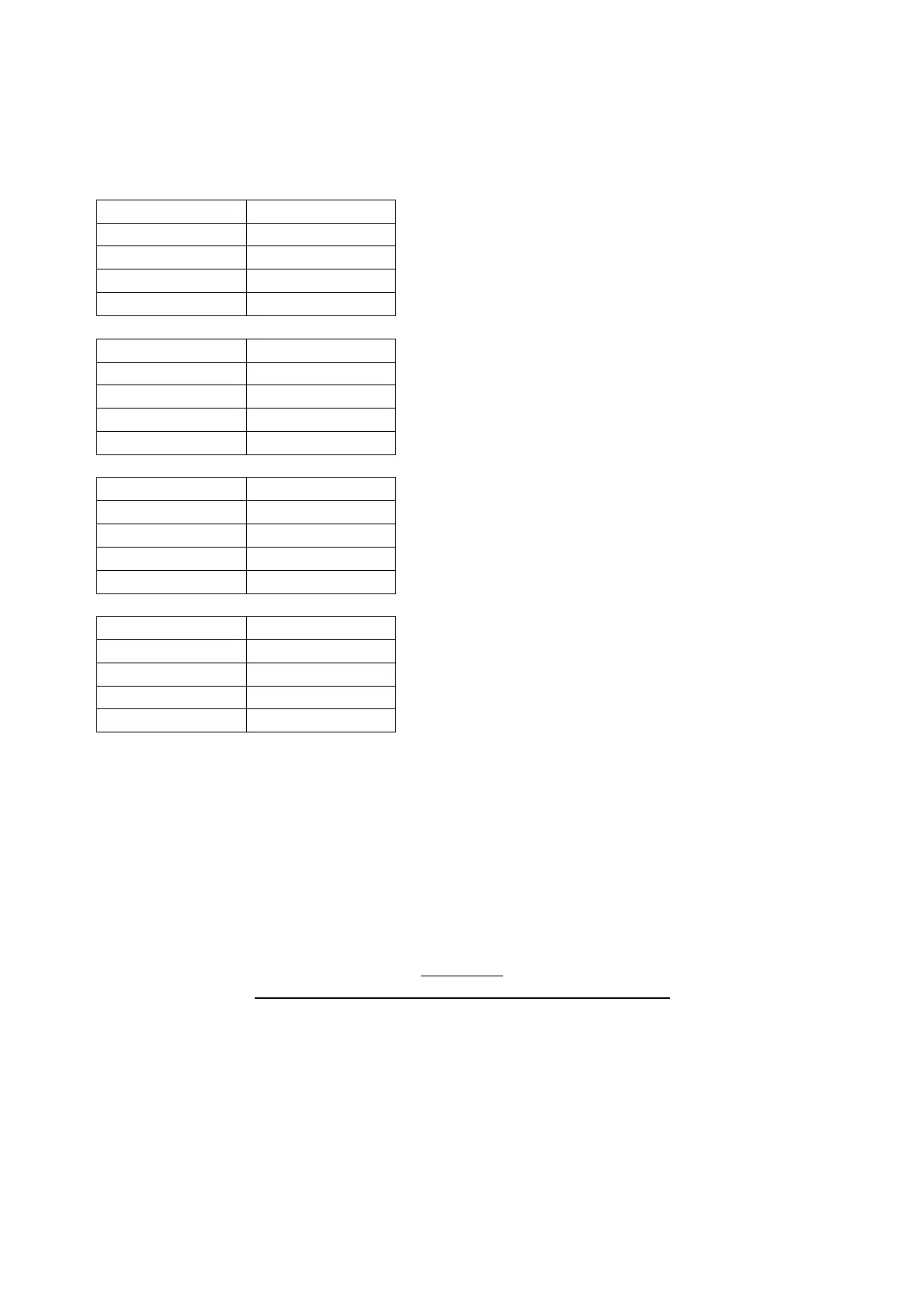
Let’s take a look this chart to visualize it in a very simple way:
To substitute an I.R., you simply can delete the existing one, and drag and drop or copy/paste new
one in the folder.
Remember: only one I.R. can be place into a cabinet folder. You cannot place two or more in a folder,
in that case Amp Central will not process the incoming signal.
Once you've uploaded your selection of I.R.'s, you need to eject mounted AMPCENTRAL device from
your PC/MAC as you normally would do with any another external devices, by simply clicking the
EJECT button.
FILE TYPES
AMP CENTRAL can only read 48Khz, 24bit, MONO I.R
.'s
Any other attempts to upload other I.R.'s will result in no sound. We highly suggest to make a copy
of the AMPCENTRAL folders before you copy/past or substitute I.R.'s.
TIP: we experienced some know issues with very long I.R. (4-500ms).
If you do some basic math, those 20ms will guarantee you a full frequency spectrum response,
including the super low frequencies, even at 40-50hz.
There’s extreme cases where extra long I.R. (i.e. 4-500ms) are not recognized, ore better, supported by
A.C., even if 48/24 and MONO. Try to cut them around 100ms, A.C. will do the rest of the job for you.


 To Next Page