EasyManua.ls Logo

Reebok Competitor RT5.1 - User Manual

Reebok Competitor RT5.1
36 pages
Print Icon
To Next Page IconTo Next Page
Loading...
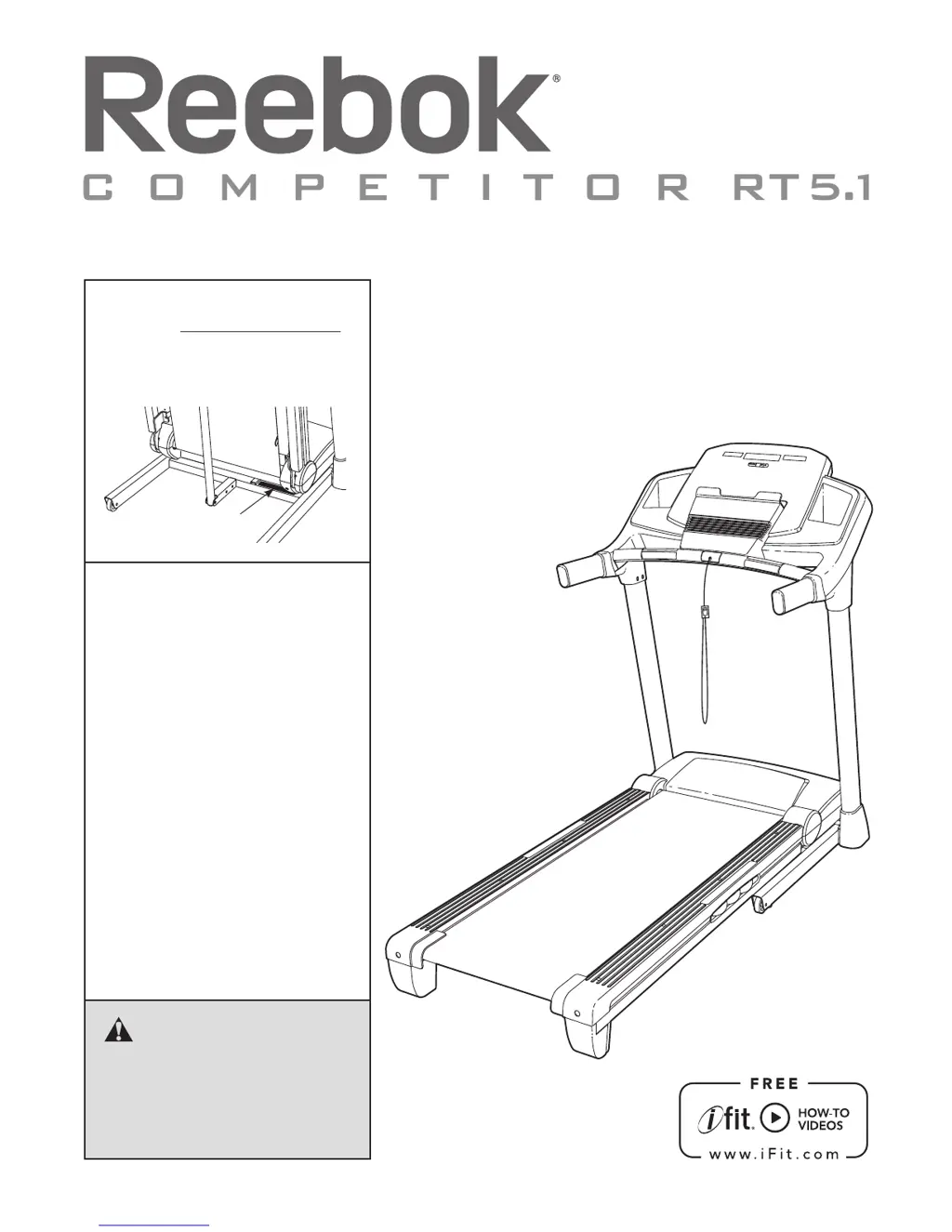
Serial Number
Decal
Model No. RBTL59211.0
Serial No.
Write the serial number in the space
above for reference.
CAUTION
Read all precautions and instruc-
tions in this manual before using
this equipment. Save this manual
for future reference.
QUESTIONS?
If you have questions, or if parts
are damaged or missing, DO NOT
CONTACT THE STORE; please
contact Customer Care.
IMPORTANT: Please register this
product (see the limited warranty
on the back cover of this manual)
before contacting Customer Care.
CALL TOLL-FREE:
1-877-994-4999
Mon.–Fri. 6 a.m.–6 p.m. MT
Sat. 8 a.m.–4 p.m. MT
ON THE WEB:
www.reebokservice.com
USER’S MANUAL
www.reeboktness.com

Questions and Answers

  • M
    Michael BeardJul 31, 2025
    What to do if my Reebok Competitor RT5.1 power does not turn on?
    • G
      gwilkinsonJul 31, 2025
      First, ensure the power cord is properly plugged into a surge suppressor, and that the surge suppressor is connected to a grounded outlet. Then, verify that the key is inserted into the console after plugging in the power cord. Finally, check the power switch on the treadmill frame near the power cord. If it's protruding, wait five minutes, then press it back in to reset.
  • H
    Heather NelsonAug 6, 2025
    Why does my Reebok Treadmill power turn off during use?
    • M
      Michael FernandezAug 6, 2025
      If the power turns off during use, check the power switch. Also, ensure the power cord is securely plugged in; if it is, unplug it, wait five minutes, and plug it back in. As an additional step, remove and reinsert the key from the console.
  • E
    Emma WilliamsAug 11, 2025
    How to fix a Reebok Competitor RT5.1 Treadmill walking belt that slows down when walked on?
    • W
      William HernandezAug 11, 2025
      If the walking belt slows down when you walk on it, it might be overtightened. Remove the key and unplug the power cord. Use a hex key to turn both idler roller screws counterclockwise by 1/4 of a turn. Also, check the gap between the magnet and the reed switch on the left side of the pulley, it should be about 1/8 inch. If needed, adjust the reed switch and retighten the screw. Run the treadmill for a few minutes to check the speed reading.
  • A
    Austin PerkinsAug 18, 2025
    Why incline of my Reebok Competitor RT5.1 Treadmill does not change correctly?
    • S
      Samantha LeeAug 18, 2025
      To recalibrate the incline system, hold down the Stop button and the Speed increase button, insert the key into the console, and then release the Stop button and the Speed increase button. Then, press the Stop button and press the Incline increase or decrease button. The treadmill will automatically rise to the maximum incline level and then return to the minimum level.
  • K
    Kathleen CohenAug 25, 2025
    How to turn off demo mode on Reebok Competitor RT5.1 Treadmill?
    • M
      Michael ChristianAug 25, 2025
      The console might be in display demo mode, which is designed for store displays. To turn off this mode, hold down the Stop button for a few seconds. If the displays are still lit, see THE INFORMATION MODE on page 23 to turn off the demo mode.

Summary

Important Precautions

General Safety Guidelines

Comprehensive safety instructions for treadmill operation and user responsibility.

Assembly

Operation and Adjustment

How to Turn On the Power

How to Use the Manual Mode

How to Use an Onboard Workout

How to Use the Weight Loss Center

How to Use an iFit Workout

How to Fold and Move the Treadmill

Troubleshooting

Common Issues and Solutions

Addresses power, console, and basic operational issues with troubleshooting steps.

Exercise Guidelines

Ordering Replacement Parts

Limited Warranty

Reebok Competitor RT5.1 Specifications

General IconGeneral
BrandReebok
ModelCompetitor RT5.1
CategoryTreadmill
LanguageEnglish

Related product manuals