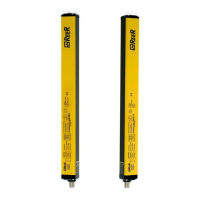
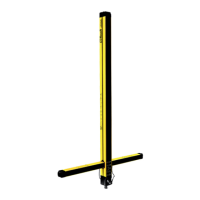
EOS4 SAFETY LIGHT CURTAIN
34 8540733 • 23/03/2016 • Rev.17
Troubleshooting
The indications provided by the leds on the Emitter and Receiver make it possible to trace
the cause of any system malfunction. As indicated in the “LIGHT SIGNALS” paragraph of
this manual, in the case of a fault, the system switches to stop status and the leds of each
unit indicate the type of fault that has occurred. (See the tables below). The numbers of
the leds are referred to Figure 25.
Check connections of pins 2 & 4.
Check model compatibility
Check condition of the Master.
If in FAIL condition, check the type
of fault.
If the fault persists, send the
device to ReeR laboratories for repair.
Check Master/Slave connections.
Reset of the system.
If the fault persists, send Master
and Slave to ReeR laboratories for repair
Carefully locate the interfering Emitter and
take action in one of the following ways:
Reduce the range of the
interfering Emitter from High to Low
Swap over the position of Emitter
and Receiver
Move the interfering Emitter so
that it does not illuminate the Receiver
Shield the beams emitted by the
interfering Emitter using opaque
protections
If the fault persists, send to REER
for repair.
Send the device to ReeR
laboratories for repair
Check Master/Slave connections
If the fault persists, send the
device to ReeR laboratories for repair.
Table 19 - Troubleshooting
In any case, if a system stoppage occurs, switch the system off and on again to check
whether the incorrect behaviour of the system is to be ascribed to transitory
electromagnetic disturbances.
If the malfunction persists:
Check that electrical connections are correct and undamaged;
Check that supply voltage levels comply with those indicated in the technical data.
Indication present only on Slave light curtains
Indication present only on Master and Slave light curtains
Indication present only on Master and Slave2 light curtain



 To Next Page
 Loading...