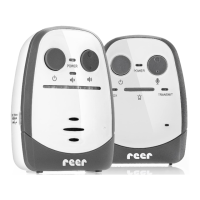
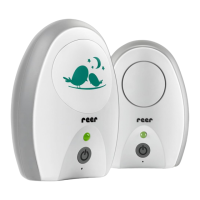
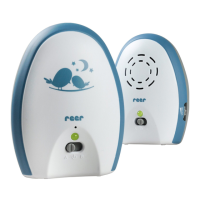
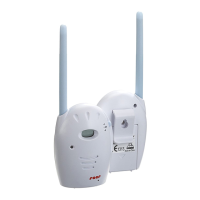
Status LED Baby unit
Status LED parent unit
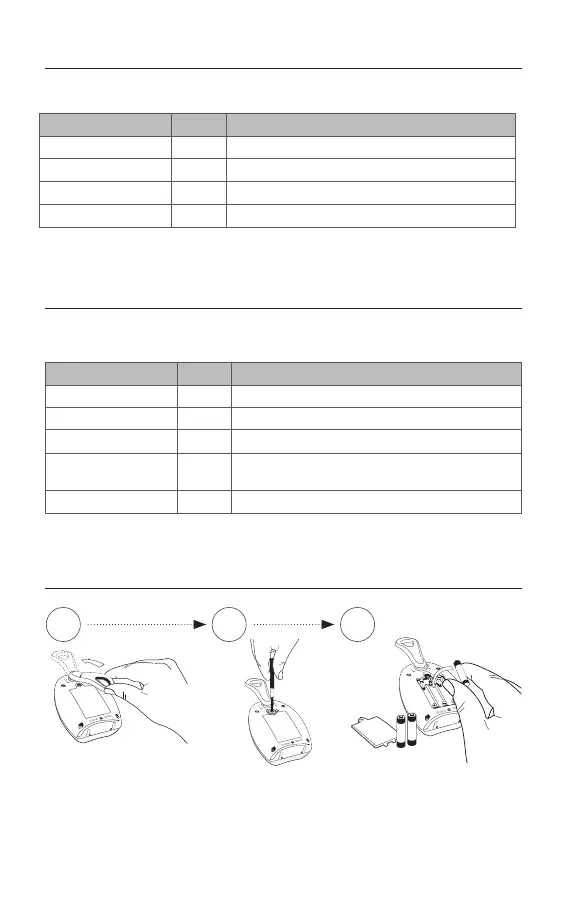
Battery operation
IMPORTANT: Only use rechargeable NiMH AAA batteries! Switch the units o and
disconnect the power lead before changing the batteries.
1 32
The status LED above the on/o switch indicates the status of the baby unit.
The status LED above the on/o switch shows the status of the parent unit.
Status LED Power Status
Green
on device is switched on
green ashing on batteries are charging
orange ashing
on noise is being received from the baby unit
red ashing
on
short ashing: maximum range is exceeded;
long ashing: batteries are at
red
o batteries are charging
Status LED Power Status
Green on device is switched on
green ashing
on batteries are charging
red ashing
on batteries are depleted
red
on batteries are charging
18


 To Next Page