How to Scan
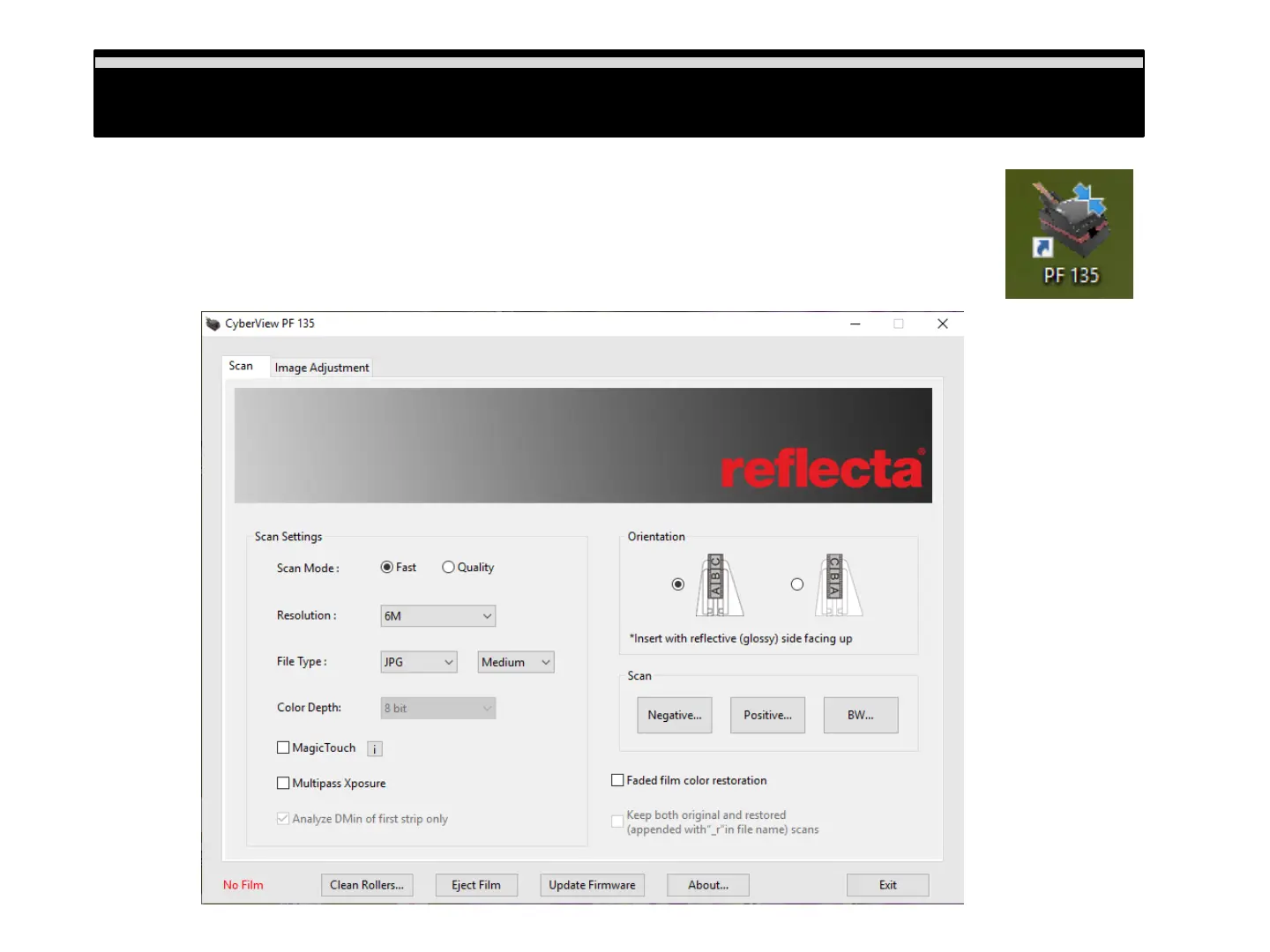
Scan - User Interface:
When scanning it is best to not run other tasks on the computer for best performance
a. Power on the scanner, wait for the blue light to become solid indicating it is ready to use
b. Open the CyberView PF135 software application:
PC: Go to Windows Desktop – PF 135 icon
Mac: Apple Menu – Go – Applications – PF 135 App icon
How to Scan
10















 To Next Page