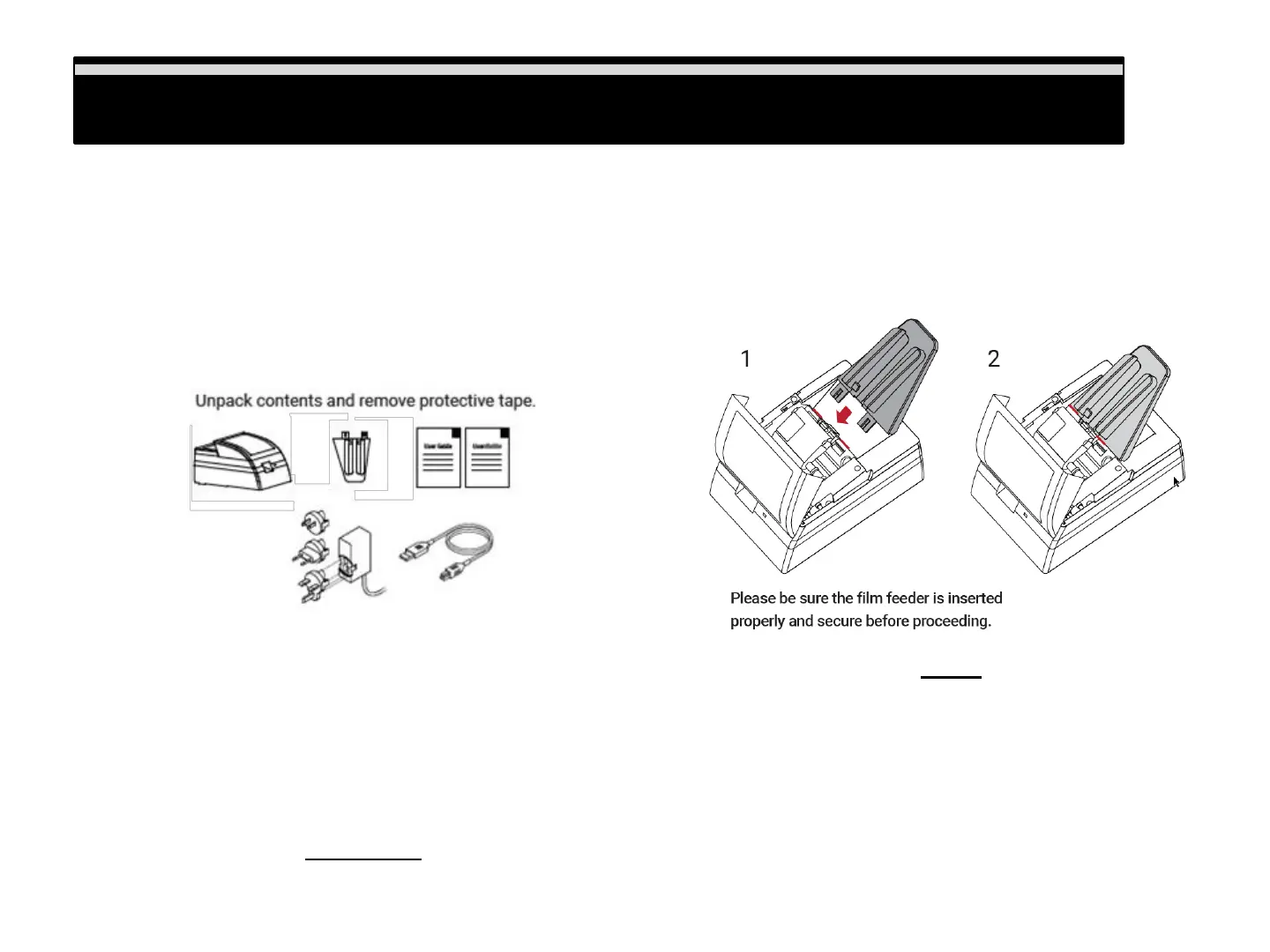
Unpacking your Scanner
Unpacking your Scanner
Check the package content before getting started. For Quick Installation please refer to Quick Installation Guide.
Important! Save the original box, receipt and packing material should they be needed for future shipping needs.
Package Contents
• Film Scanner / Film feeder
• Power Adapter 12V DC
• USB 2.0 Cable
• Quick Reference User Guide
Warning!
Using any other power adapter can severely damage the scanner and will VOID the product
warranty.
GENERAL GUIDANCE:
• Only use the supplied USB-Cable. Connect the computer to the scanner directly using the USB 2.0 cable.
• Do not use a Hub or extension cable. Only use the USB ports on the rear of desktop computers is supported
• If there are any other devices (multifunction device, printers, scanners, webcam) connected to the computer via
USB make sure they are powered off.
• A minimum of 4 GB RAM (Windows/Mac) and 30GB Hard drive space minimum is required. 6GB RAM or more
highly recommended.
Assembling the unit, once unpackaged, and all
the shipping tape is removed, insert the film feed
guide into the unit
3















 To Next Page