Installing Software
Installing Software
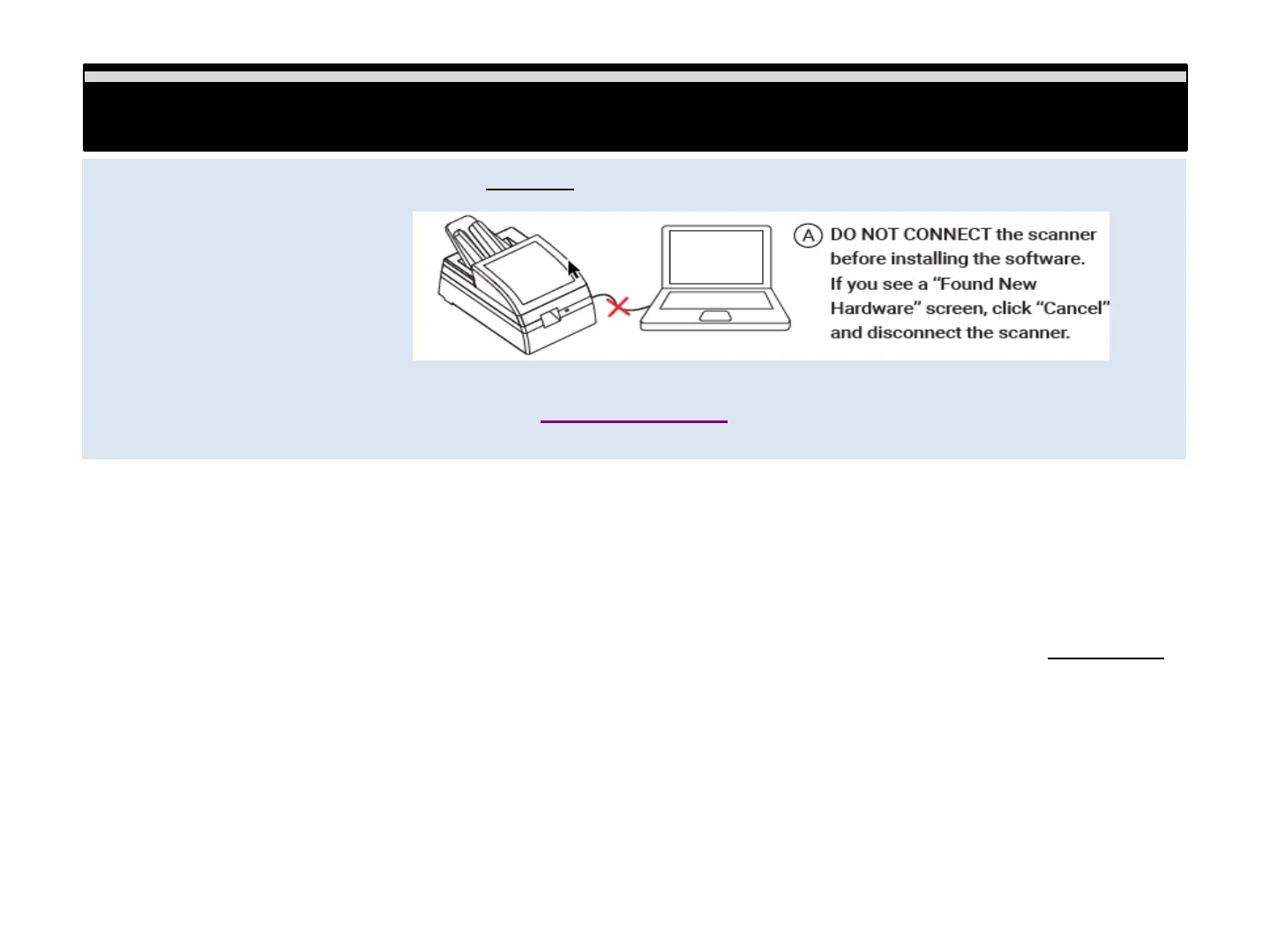
Be sure to install the software application BEFORE connecting the scanner
Download the appropriate software from www.reflecta.de
Installing Software - PC users if you are unsure please verify if your system is 32 or 64 bit here:
Control Panel\System and Security\System
Download the software using the link provided above, selecting the correct version
a. Once downloaded you need to run the installer to install the software on your system
PC: Open the Downloads folder locate the installer file PF135_Windows…. Double click the installer to begin
Installing, you may encounter a warning Windows protected your PC Select “More info…” and choose Run Anyway
Mac: Open downloads locate the installer file PF135_Mac xxx.. New security protocols require these steps to
allow the software installation. Mac OS 10.7-10.12 - Hold down the "Control" key on the keyboard and click on the
software installer package, then click on "Open" then you will see an unidentified developer warning message select
"Open" to begin the installation process Mac OS 10.13 - Hold down the "Control" key on the keyboard and double
click on the software installer, then you will see an unidentified developer warning message, select "Open" to begin
the installation
5















 To Next Page