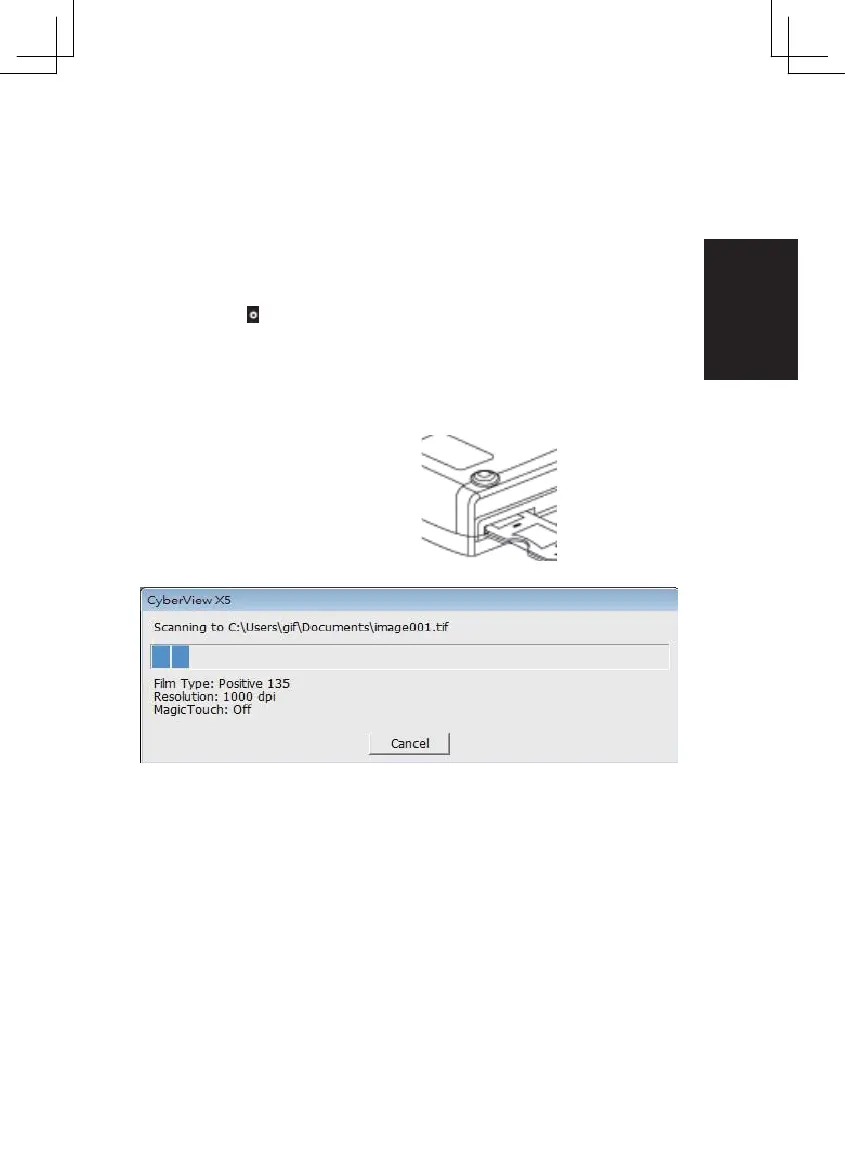
One Button Scan
1. Open the CyberView
2. Configure Scan Settings
3. Select the Scan to directory, file format ( TIF or JPG, once configured, Press the
scanner button ( ) to begin scanning.
One Touch Button
NOTE: If you do not open CyberView FIRST, the scan button will not function.
11















 To Next Page