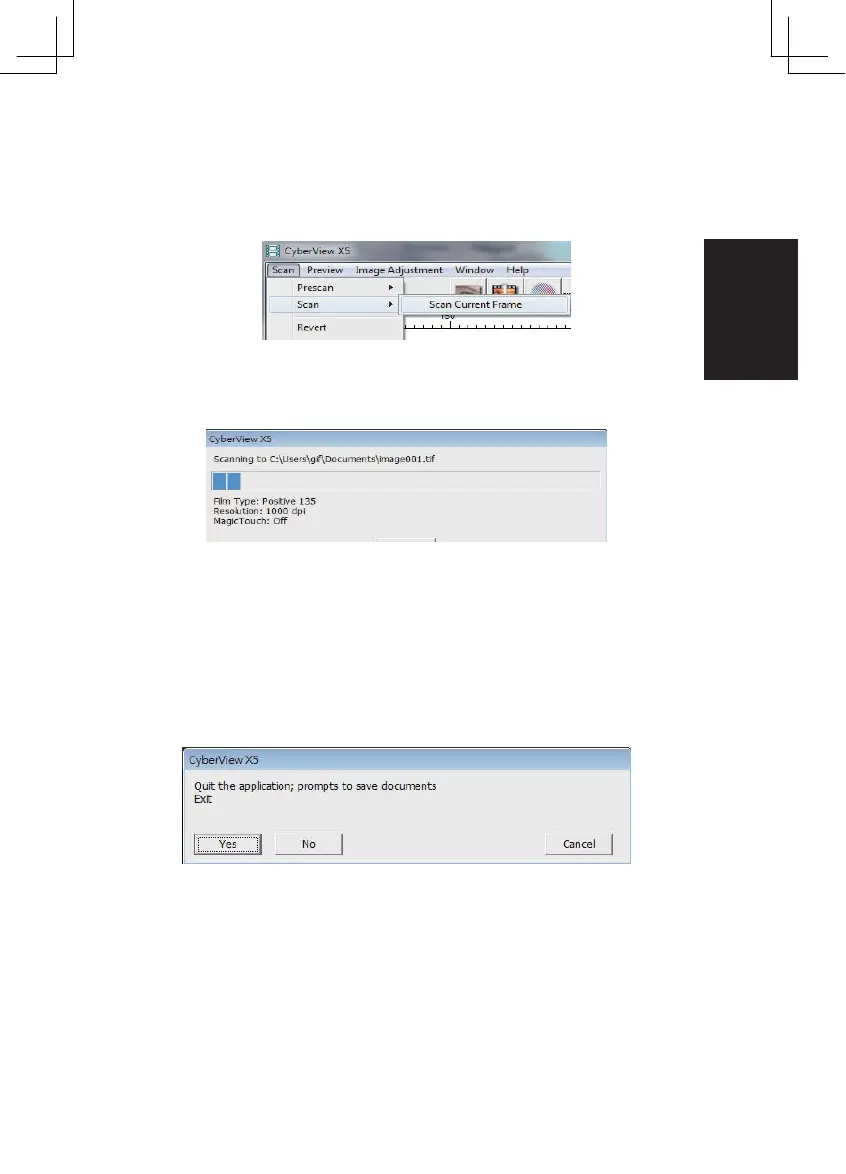
STEP 6 – Scan
Scan - Scan Current Frame
This begins the scan to file process
All scanned images will be saved to the director y location set
previously, the factor y default locations are:
Windows: C:\Users\[ YOUR NAME\Documents;
MAC: Mac HD\Users\[ YOUR NAME]\Pictures\Cyber view Images),
STEP 7 – Exit
Select “Scan > Exit” to close the driver. Scanned image files can be open/edited
with any image editing software.
NOTE: If using the supplied image editor, for help with this application see the users Help
from within the app lication.
17















 To Next Page