There are four major par ts of the CyberView X 5 user inter face:
I. Main Window Area [Fixed Windows]
II. Preview Window Area [Fixed Window]
III. Active Frame Setting Area [Floating Window]
I. Main Window Area [Fixed Windows]
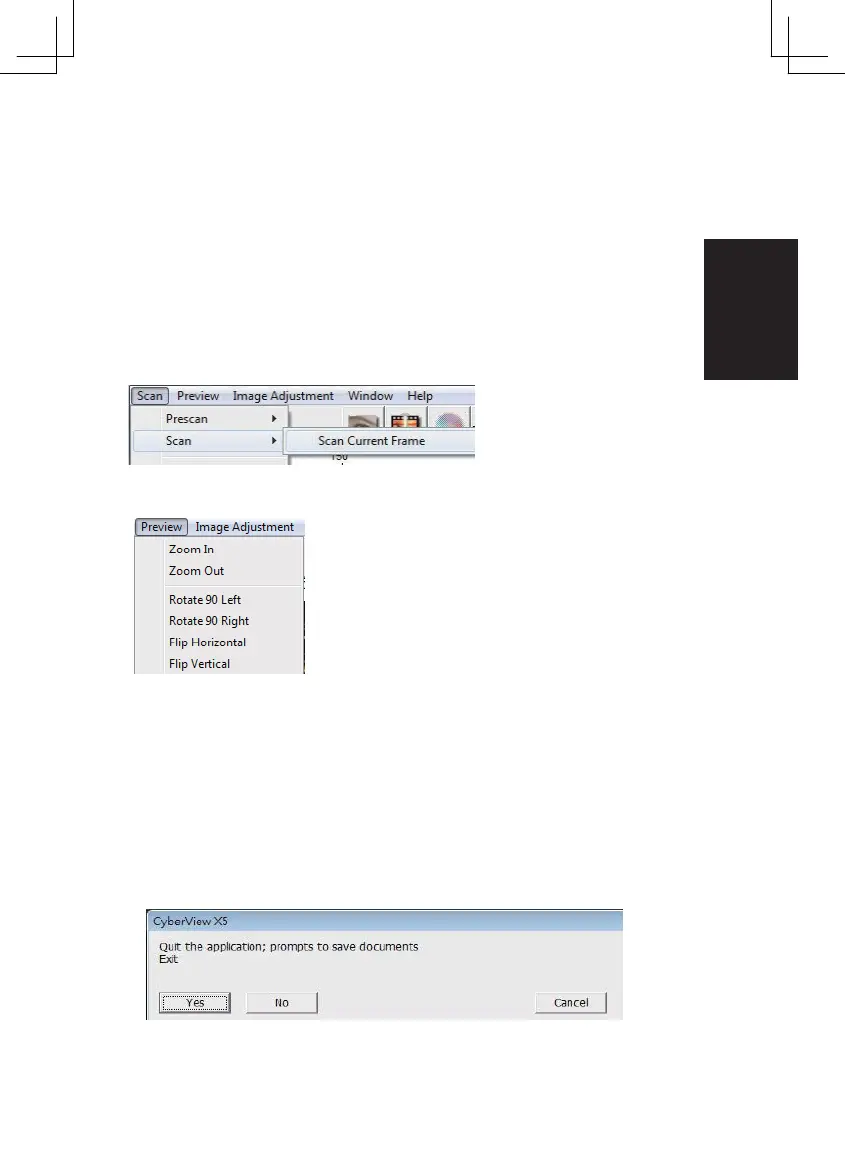
Menu Commands - Scan
Prescan - Prescan Current Frame: Pre-scan the existing slide.
Scan - Scan Current Frame > Scan the current slide.
Menu Commands - Preview (overview)
Zoom, Rotate & Flip features.
Rever t
Discards all modifications and restores the image back to the original
state.
Preference - See Scan Setting (See Page 13)
Exit
Closes the CyberView X5 user interface.
There is a message pop-up “Quit the application prompts to save docu-
ments?“ click “Yes“ to save , “No“ to discard the current
settings or “Cancel“ to return to Cyber View X.
23















 To Next Page