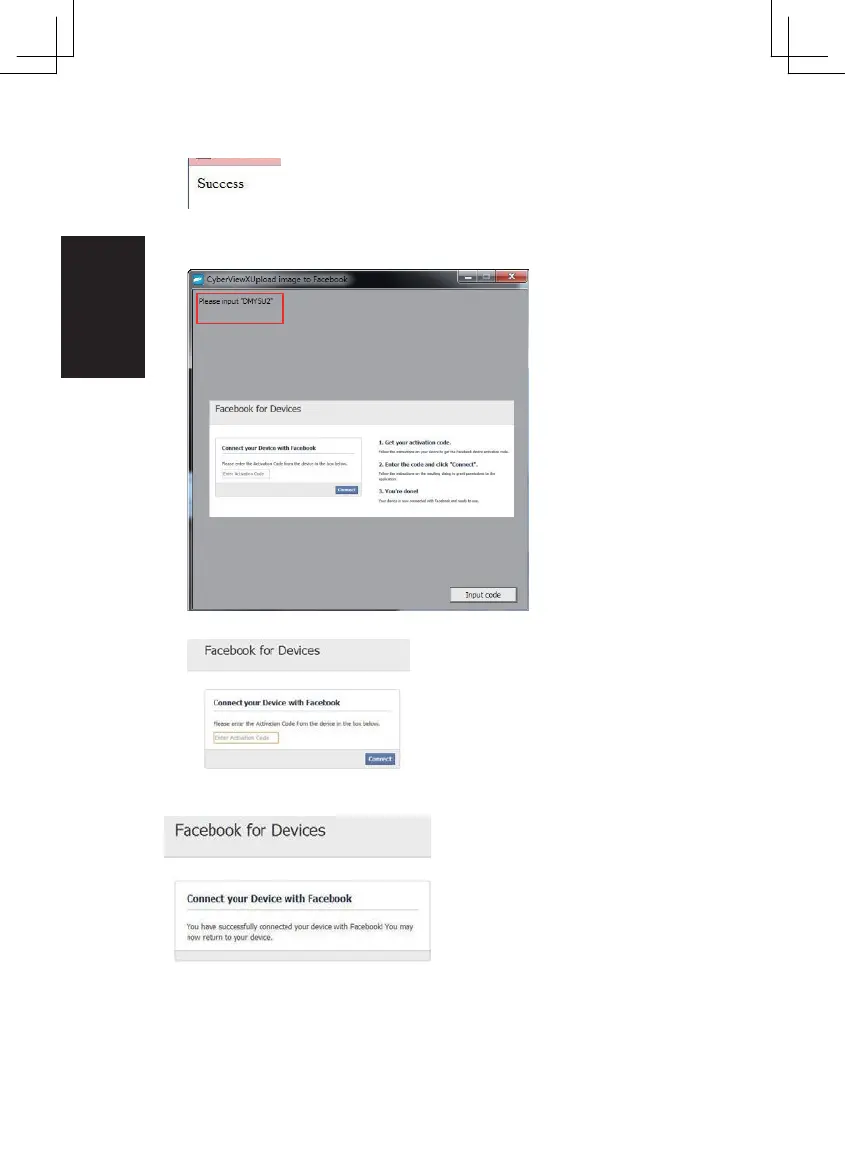
Minimize the browser window and on the next CyberView screen, not the Code number you have
been given (this will be a different code every time, make a note of it, yo will need to enter it on the
Minimize this browser window
4.
Minimize the browser window and on the next CyberView screen,
note the C ode number you have been given (this will be a different code every time,
copy it down, you will need to enter it on the Facebook website
5. Enter the code you made a note of earlier, then click Connect
6. Your scanner is now connected to Facebook
20















 To Next Page